_webp.webp)
7 Best AI Voice Changers Online (Free & No Download)
 Olivia MitchellBusiness Operator
- Quick comparison: Which online AI voice changer should you try?
- How did we compare these AI voice changers?
- What is the difference between an online and a real-time voice changer?
- 1. VoiceChanger.Video: Best for free use without signup
- 2. Magic Hour: Best for celebrity-style voice variety
- 3. ElevenLabs: Best for a broad voice library and polished speech tools
- 4. MyEdit: Best for voice effects plus editing tools
- 5. FineVoice: Best for a large voice selection without signup
- 6. Media.io: Best for a broader editing workspace
- 7. Murf AI: Best for studio-style voice workflows
- What does “free” mean for an online AI voice changer?
- How should you choose an AI voice changer online?
- Frequently asked questions
- Which online AI voice changer should you choose?
- Conclusion
7 Best AI Voice Changers Online (Free & No Download)
Looking for the best AI voice changer online? If you want to change a recorded voice in your browser, the word “free” can mean several different things. One tool may let you download a finished clip without an account. Another may offer a few daily generations, while a third lets you preview a voice but requires a subscription to export it.
This guide compares seven browser-based AI voice changers for uploaded or recorded audio. We look at their free access, signup requirements, voice selection, and ideal use cases. These tools process a clip and return a changed version. They are not live virtual microphones for changing your voice inside a call or game.
Quick comparison: Which online AI voice changer should you try?
The right tool depends on whether you need no-login access, a large library, professional editing controls, or just a few free generations. The table summarizes the main differences based on official product information and observations supplied by our team. Free plans can change, so confirm the current terms in the product before uploading an important project.
| Tool | Best for | Free access | Signup | Online clip workflow |
|---|---|---|---|---|
| VoiceChanger.Video | Free use without signup | No-cost generation; 600+ voices per current product information | No | Upload or record, choose a voice, generate |
| Magic Hour | Celebrity-style voices | Three daily audio generations, based on the team’s check | Not required for the tested generation flow | Upload or record, choose a target voice |
| ElevenLabs | Voice quality and broad voice library | Free plan with monthly credits | Account required | Upload or record, choose a voice, generate |
| MyEdit | Voice effects plus audio editing | One effect download per day on a free account; realistic voices can be previewed | Account needed for free downloads | Upload, choose a preset, preview and export |
| FineVoice | Large voice selection without signup | Three minutes per day, based on the team’s check | No for the tested generation flow | Upload or record, choose a voice, generate |
| Media.io | A wider editing workspace | Free access is available; limits may apply | Check the current flow | Upload audio or video, choose an effect, export |
| Murf AI | Studio-style voice workflows | Free use for audio under three minutes; the site advertises unlimited free downloads | No for the tested short-audio flow | Upload or record, choose a voice, download |
A note about our own product: VoiceChanger.Video publishes this comparison. We have not assigned numerical quality scores or claimed a controlled blind-listening winner. The recommendations below match each product to a use case, using published product details and team observations where noted.
How did we compare these AI voice changers?
We focused on five questions a reader can verify before committing to a tool:
-
Can it process a recording in a browser?
-
Does it require an account?
-
What free allowance is available?
-
How does the product describe its voice selection?
-
What kind of workflow does the interface support?
Official product pages are linked in each review. A few interface details, such as FineVoice’s daily minutes, Magic Hour’s daily generations, and Media.io’s directly selectable voice options, come from checks supplied by our team rather than a published plan page. We label those as observations instead of treating them as permanent product terms.
We have not run a standardized audio-quality benchmark across all seven products. Results can vary with the source recording, selected voice, language, and background noise. Before publication, add a same-clip test with the test date, browser, source audio, and downloadable before-and-after samples.
What is the difference between an online and a real-time voice changer?
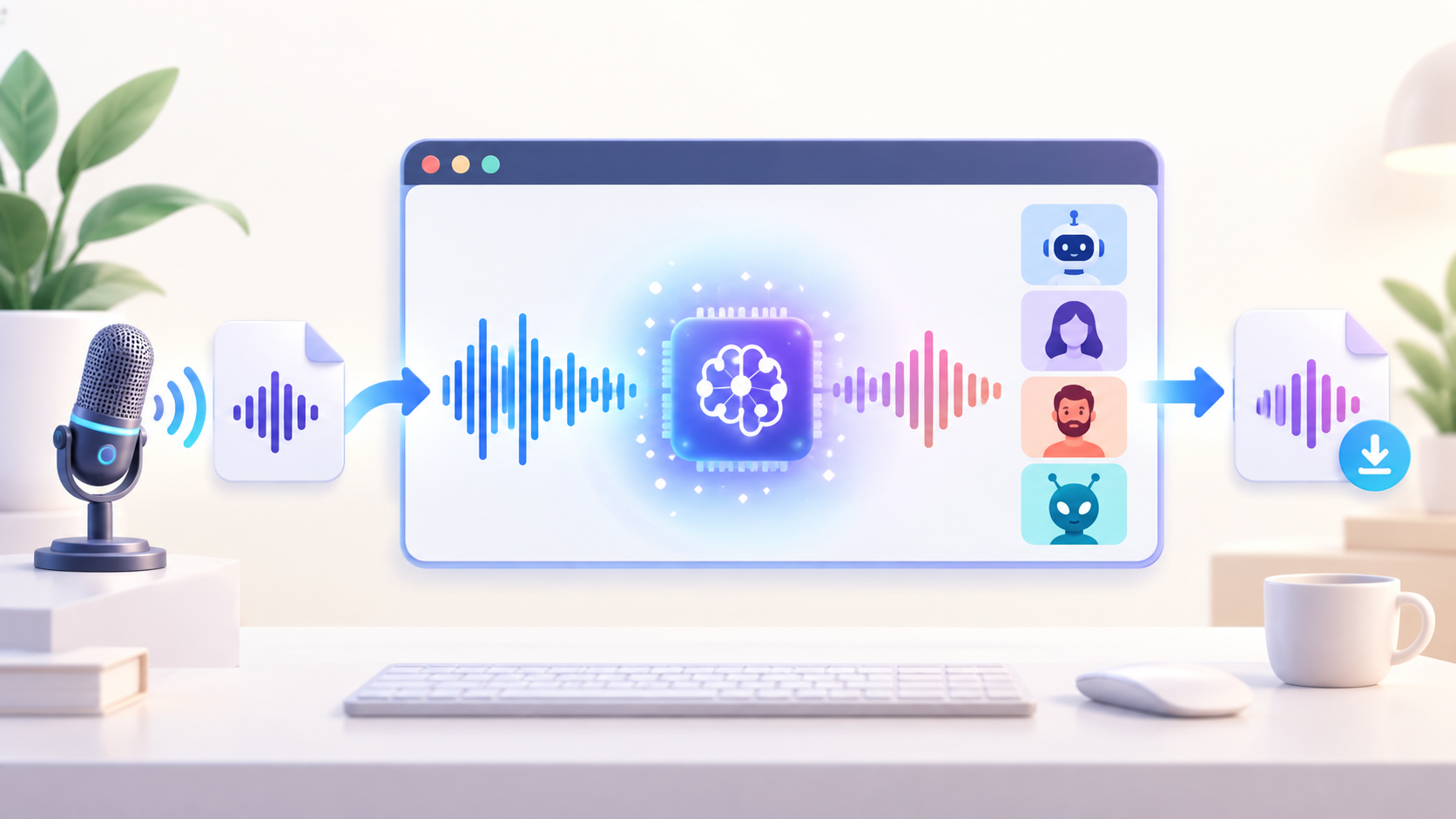
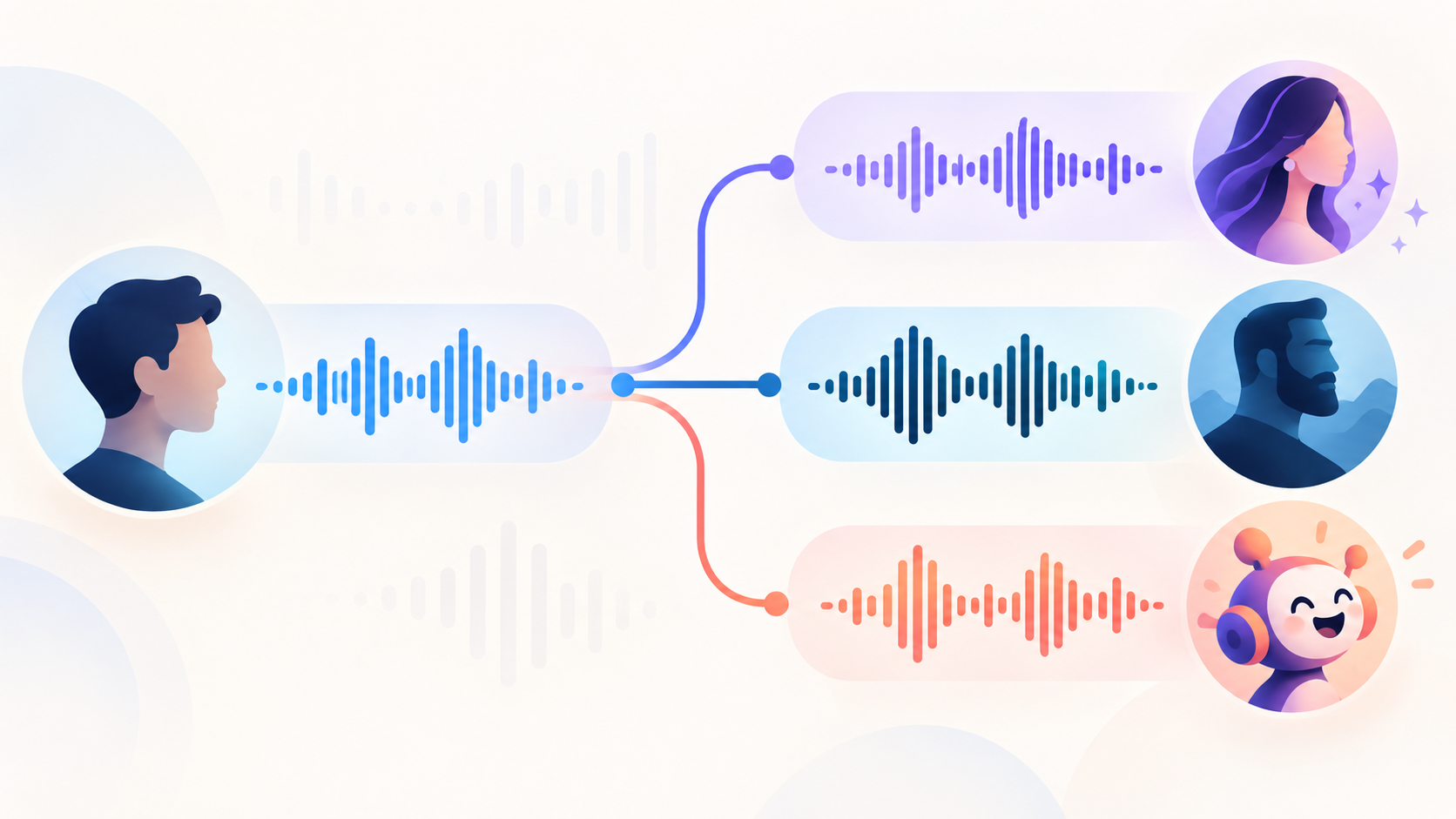
An online voice changer processes an audio clip after you upload or record it. You choose a target voice, wait for the conversion, then preview or download the result. A real-time voice changer changes your microphone output as you speak and routes it into another app, such as a game or call.
This list covers the first workflow. Some product pages use phrases such as “instant” or “real-time,” but that wording does not necessarily mean live microphone output. For example, Murf’s page describes a real-time changer while also describing an upload, record, and download workflow. If you need live voice changing for Discord or streaming, confirm that the product supports a virtual microphone before installing or paying.
1. VoiceChanger.Video: Best for free use without signup
VoiceChanger.Video is a straightforward choice if you want to transform a short recording in a browser without creating an account. The workflow supports uploading or recording audio, choosing a voice, and generating a changed clip. Product information supplied for this review lists more than 600 voices and describes the tool as free with no signup.
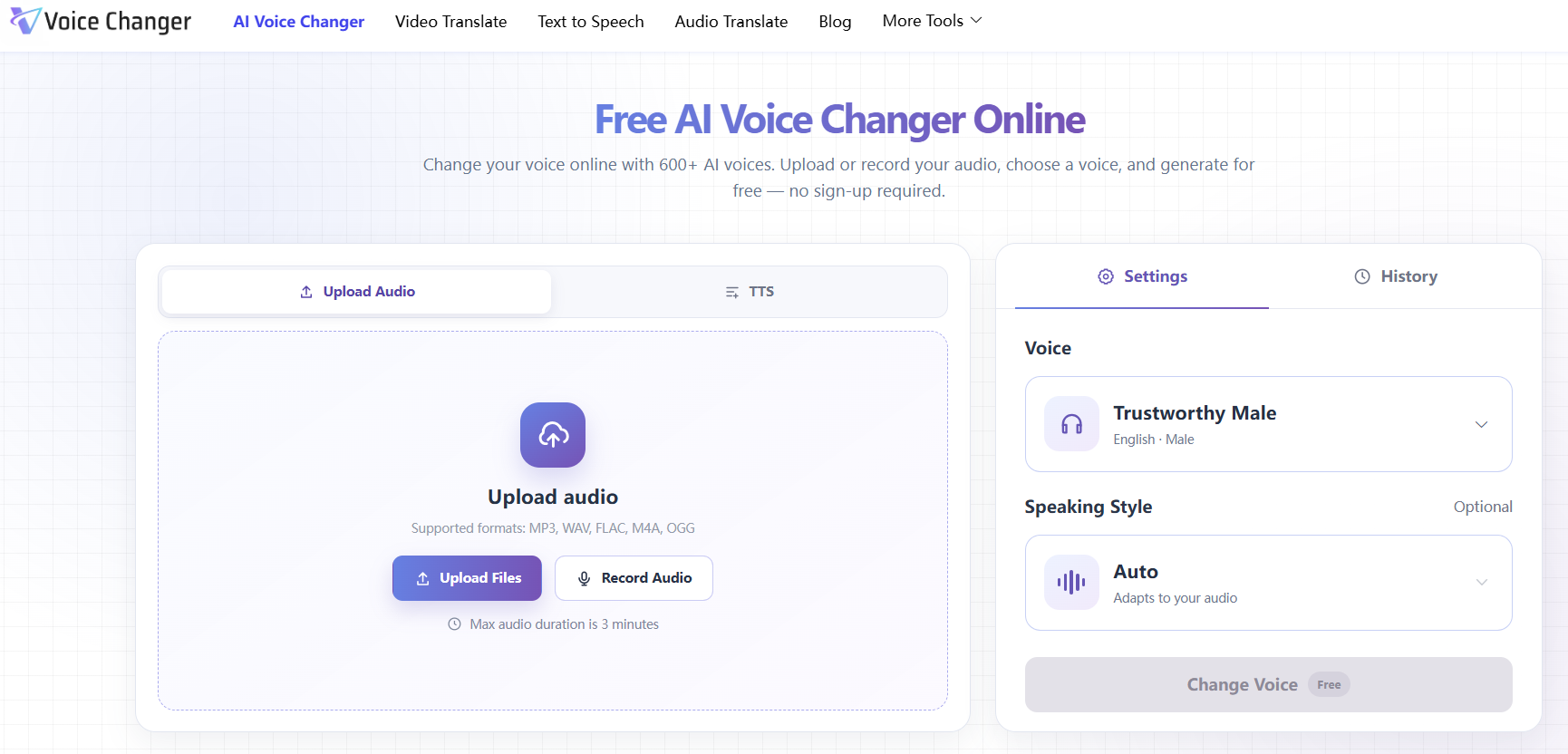
That makes it a good fit for short character clips, social videos, and voice experiments where account setup would be unnecessary friction. It is a recorded-audio tool, not a live virtual microphone for calls, games, or streams.
Best for: People who want to try a browser-based voice conversion without signing up.
Keep in mind: Voice counts and file limits should be confirmed on the version and language page you use. Do not choose it for a live microphone workflow.
2. Magic Hour: Best for celebrity-style voice variety
Magic Hour is a good option for playful clips and recognizable character-style transformations. Its voice changer lets users add or record audio and choose a target voice. The live product interface displays celebrity-style options such as Morgan Freeman, Taylor Swift, and Barack Obama. Magic Hour’s page also says a free account includes 400 credits.
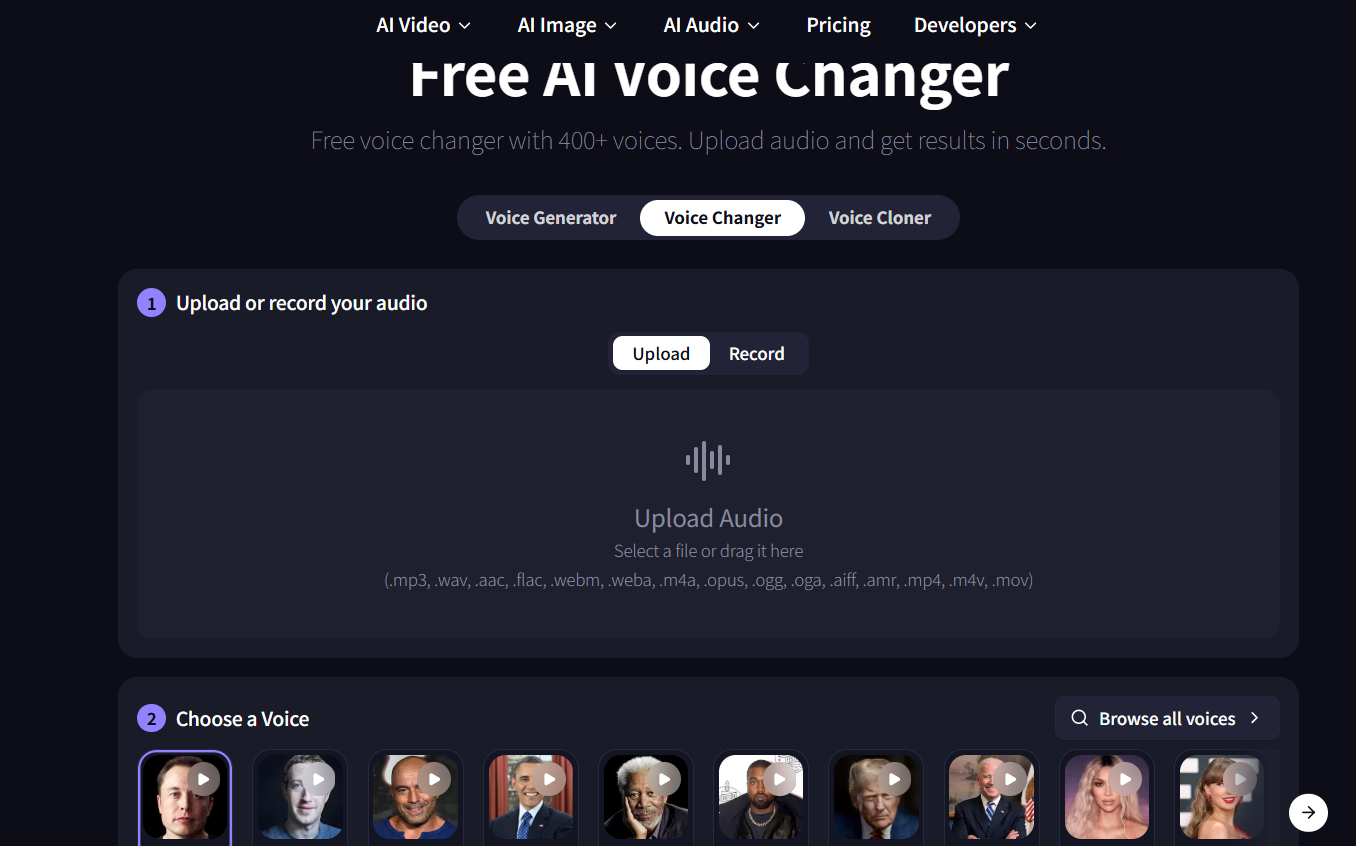
In the team’s check, the interface showed three audio generations available per day. Treat that as an observed allowance, since credit systems and daily limits can vary by account or change over time. Celebrity-style output also needs extra care: do not use a recognizable person’s voice to mislead listeners, imply endorsement, or violate the service’s terms or local law.
Best for: Short creative clips where a celebrity-style voice is the main attraction.
Keep in mind: The free allowance is limited, and voice availability does not automatically grant rights to publish an imitation commercially.
3. ElevenLabs: Best for a broad voice library and polished speech tools
ElevenLabs is worth considering when natural-sounding speech and a broader audio-production workflow matter more than anonymous access. Its Voice Changer accepts uploaded or recorded audio and offers more than 10,000 voices in its library. The company lists a free plan with 10,000 credits per month, but a free plan is assigned through an account, so signup is part of the process.
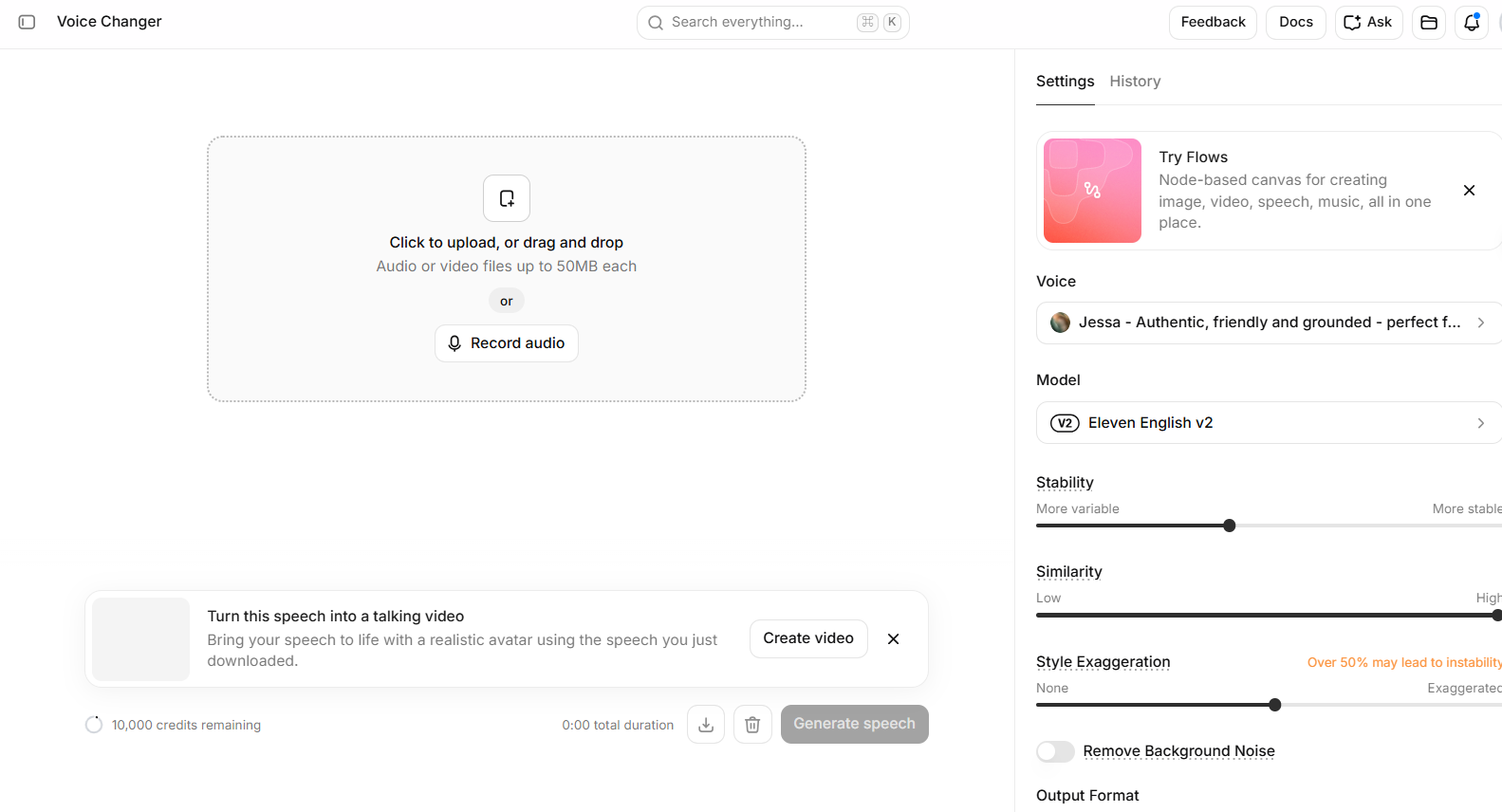
The large library is not the same as a promise that every voice is available on the free plan. ElevenLabs says some library voices are restricted to paid subscriptions or use credit multipliers. Check the voice’s access label before building a project around it.
Best for: Creators who are willing to create an account and want a large voice ecosystem.
Keep in mind: Credits and voice access are account-based. Confirm that the selected voice is available to your plan.
4. MyEdit: Best for voice effects plus editing tools
MyEdit combines voice changing with a larger browser-based audio editor. It supports common audio formats and offers realistic human voices as well as effects such as robot, chipmunk, and telephone. The useful distinction is in the export limit: MyEdit says free accounts can download one effect per day and preview 10 seconds of realistic voices; unlimited downloads require a subscription.
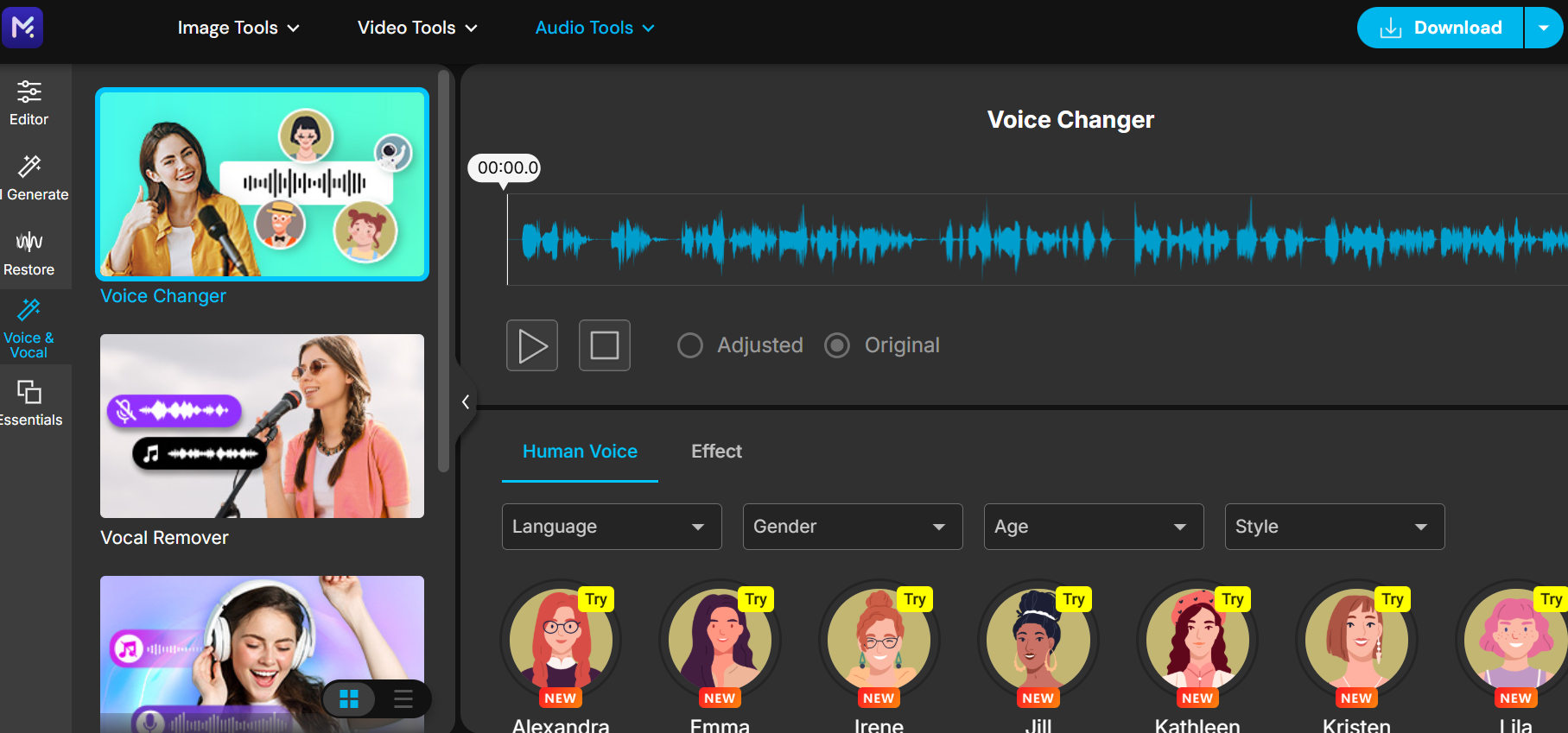
That setup works well if you want to try a playful effect and may also need other editing tools. It is less suitable if you need repeated exports of realistic voice conversions at no cost. MyEdit’s product pages describe a browser workflow, so no software installation is needed.
Best for: Users who want voice effects alongside other audio-editing features.
Keep in mind: A preview is not the same as a free downloadable result. Check the export terms before editing a long clip.
5. FineVoice: Best for a large voice selection without signup
FineVoice supports audio upload and in-browser recording, and its product page says users can change a voice without signing up. The interface includes multiple voice styles and export formats. In the team’s check, the selector showed 2,765 voices and the free allowance was three minutes per day.
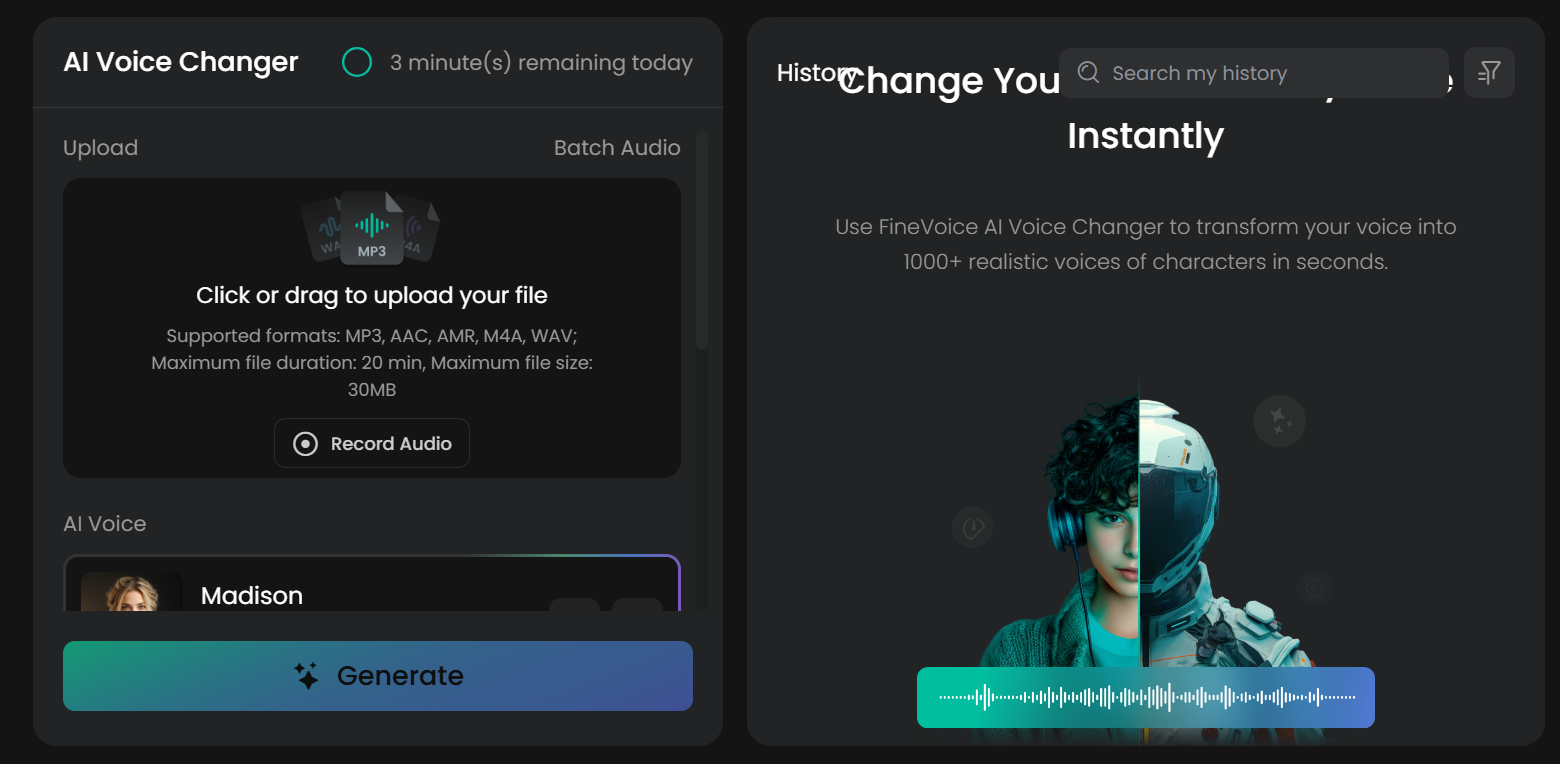
That combination may suit creators who want a wide set of options for short clips but do not want to make an account. The daily duration cap matters if you need to process a long narration or several takes. A large library can also take more time to browse, so filters and preview quality matter as much as the headline count.
Best for: Short recordings and users who value variety without account setup.
Keep in mind: The three-minute allowance is based on the team’s interface check; verify it again before relying on it for recurring work.
6. Media.io: Best for a broader editing workspace
Media.io offers an online voice changer inside a wider set of audio and video tools. Its official page advertises more than 100 AI voice filters and supports audio or video uploads. That broader workspace can be useful when you want to edit a clip after changing its voice.
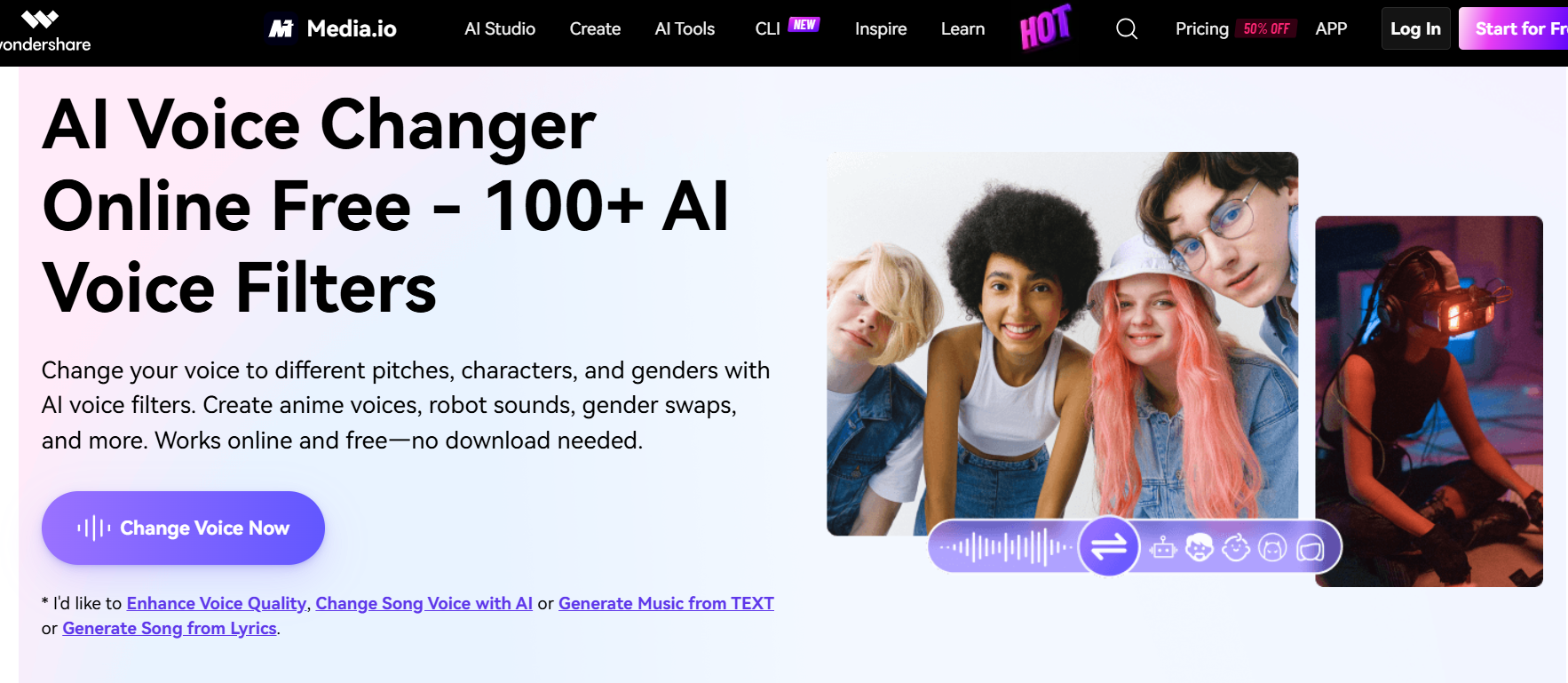
Our team observed roughly 10 directly selectable voice-changing options in the tested changer workspace. Those figures describe different things: a sitewide filter count may include effects, while the number in a specific voice-changing interface may be smaller. The interface also felt more involved than a single-purpose changer, which can be a plus for experienced editors and extra learning for someone who only wants one quick conversion.
Best for: Users who want voice changing as part of a larger editing workflow.
Keep in mind: Confirm which filters are available in the specific tool and plan you intend to use. “100+ filters” should not be read as 100+ selectable AI voices in every workspace.
7. Murf AI: Best for studio-style voice workflows
Murf’s voice changer supports more than 200 AI voices and accepts uploaded or recorded audio. Its page says users can try audio files shorter than three minutes without signing up, with no credit card required, and advertises unlimited free downloads.
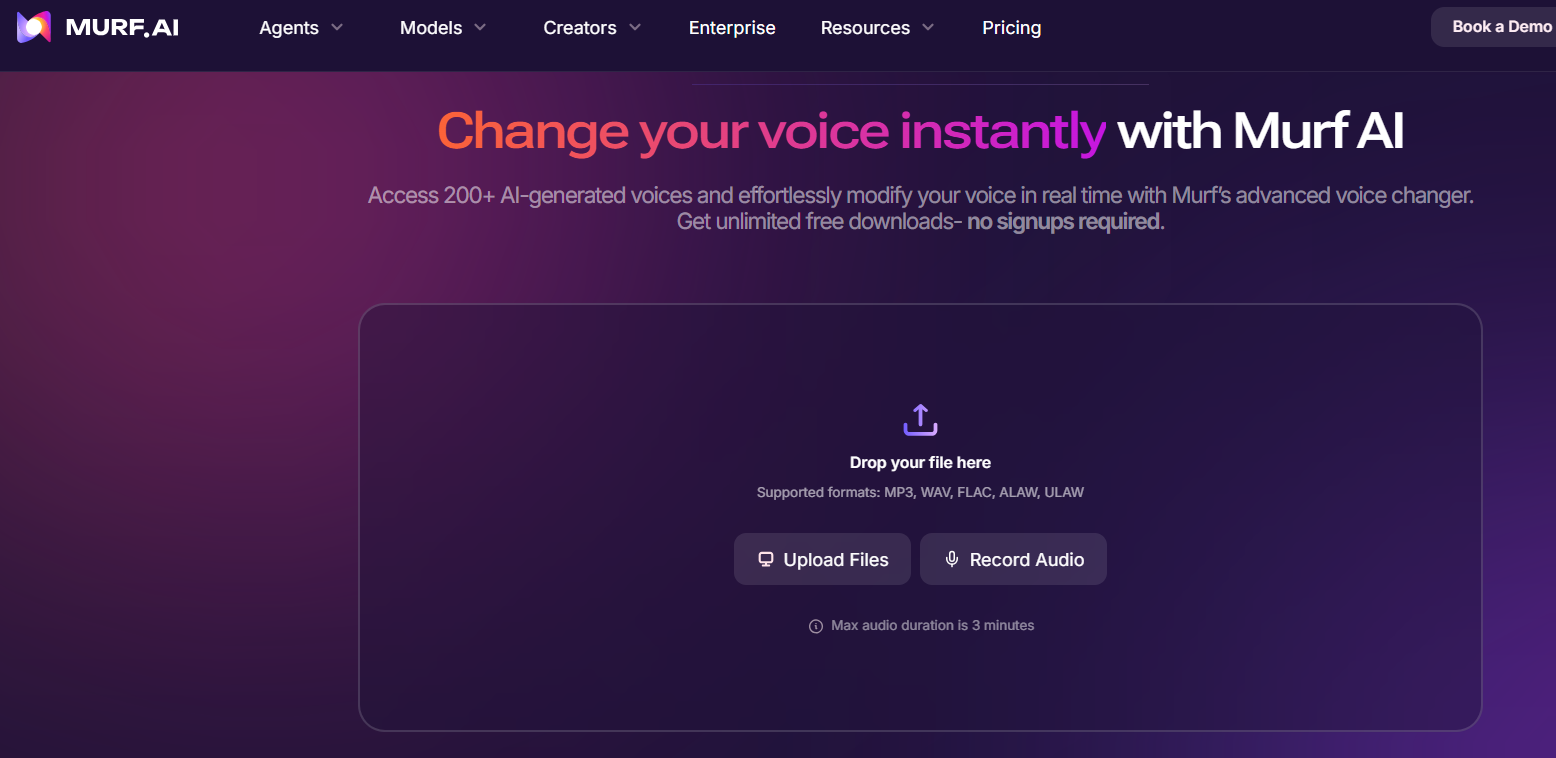
Murf may suit people who want a polished interface and voice options for narration, presentations, or other production work. The page also uses “real-time” language, so read the actual workflow carefully: the described steps are to upload or record audio, choose a voice, and download the transformed file. That is different from routing a live microphone into a call or game.
Best for: Short recordings and creators who prefer a studio-style interface.
Keep in mind: The under-three-minute condition applies to the no-signup free tryout described on the page. Recheck the current terms and do not assume the live microphone function is included.
What does “free” mean for an online AI voice changer?
Before uploading a recording, check what the product allows you to do without paying. “Free” may describe a complete no-account workflow, a limited daily allowance, an account-based credit plan, a preview, or a free effect with paid downloads for other voices.
For a useful comparison, look at the full path: select a voice, generate the result, preview it, and download it. A tool that lets you listen to a short preview but blocks the export may not fit a project that needs a finished audio file. Also check whether a cap is based on minutes, credits, number of generations, file length, or available voices.
If privacy matters, read the service’s current data policy before uploading sensitive recordings. Avoid sending private conversations, client material, or someone else’s voice without permission.
How should you choose an AI voice changer online?
Start with the result you need. For one short social clip, an easy no-signup tool may be enough. For regular production, a larger voice library or integrated editor may save time, even if it requires an account or paid plan.
-
Need no account? Check whether generation and download both work without signup.
-
Need a long recording? Compare the input duration and daily free-minute cap.
-
Need a particular sound? Search the actual selectable voices, not just the headline library count.
-
Need repeated exports? Look for download limits, credits, and voice restrictions.
-
Need a live microphone? Choose a real-time virtual-microphone product rather than a clip-based browser tool.
-
Using someone else’s voice? Get permission and avoid misleading listeners about who is speaking.
Frequently asked questions
What is the best free AI voice changer online?
It depends on the limit you can accept. VoiceChanger.Video is our pick for a no-signup browser workflow, while FineVoice and Magic Hour offer limited daily use based on our team’s checks. ElevenLabs has a broad library and a monthly free credit plan, but it requires an account. Review the current export rules before choosing.
Can I change my voice online without downloading software?
Yes. The seven products in this guide offer browser-based workflows for recorded or uploaded audio. The basic process is to add a clip, select a voice or effect, generate a new version, and download it. Check each tool’s current limits for file length, formats, and exports.
Is there an AI voice changer that does not require signup?
VoiceChanger.Video, FineVoice, and Murf describe no-signup access for at least some voice-changing workflows. Murf’s page specifies audio files shorter than three minutes for its no-signup tryout. FineVoice’s and Magic Hour’s daily limits in this comparison come from team observations, so verify them in the live interface.
Can an online AI voice changer work in real time?
Usually, a browser voice changer processes an uploaded or recorded clip and returns a new file. That does not mean it changes your microphone live inside Discord, a game, or a video call. Look specifically for virtual microphone support if live output is your goal.
Are AI voice changers safe for uploaded audio?
Safety depends on the provider’s current storage, deletion, and data-use policies. Read those terms before uploading private or client recordings, and avoid including information you do not want processed by a third party. Only upload audio you have the right to use.
Can I use AI-changed voices commercially?
Do not assume that a free plan or a voice preview grants commercial rights. Check the product’s current terms and the rights attached to the source recording and selected voice. Be especially careful with celebrity or public-figure imitations, and do not use a generated voice to imply a real person said something they did not.
Which online AI voice changer should you choose?
For a short clip and a no-signup workflow, start with VoiceChanger.Video. Choose FineVoice if you want a large selection and can work within a daily time cap. Try Magic Hour for celebrity-style experimentation, MyEdit for effects and editing tools, or Media.io for a broader workspace. ElevenLabs and Murf suit users who want more studio-oriented voice options and accept their plan conditions.
Conclusion
Whichever tool you choose, check the current free limit and export rules before starting a larger project. Try our free AI voice changer online, with no signup required.