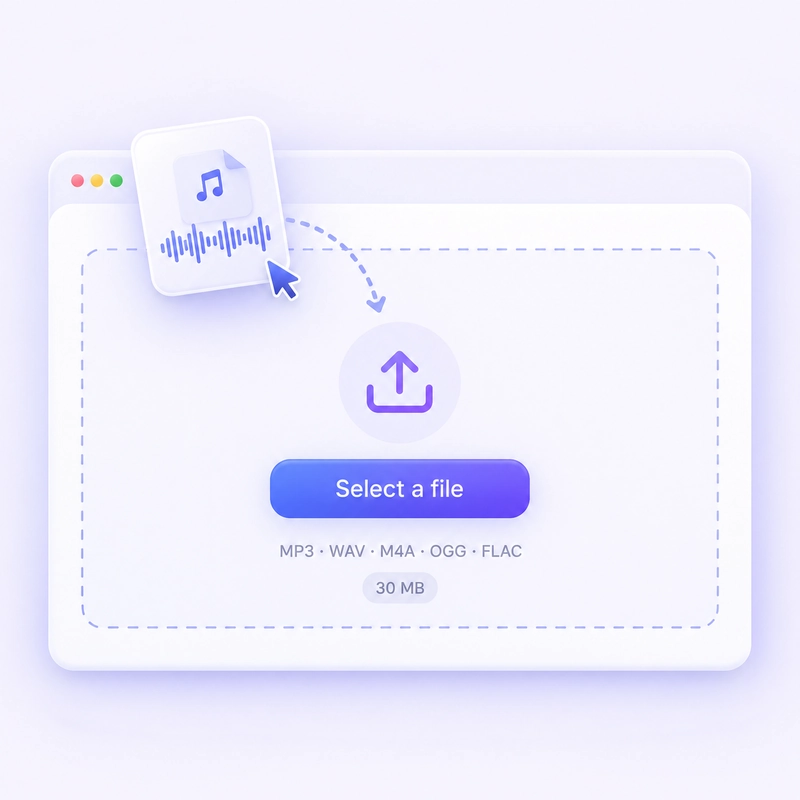
STEP 01: Upload your audio file
Drag in or tap to browse. The audio reverser takes MP3, WAV, M4A, OGG, and FLAC up to 30 MB.
_webp.webp)
Flip any sound so it plays backwards. Free, no login, no limits, no watermark.
Supported file formats: MP3, WAV, M4A, FLAC, OGG. Max file size 30MB.
Drag in or tap to browse. The audio reverser takes MP3, WAV, M4A, OGG, and FLAC up to 30 MB.
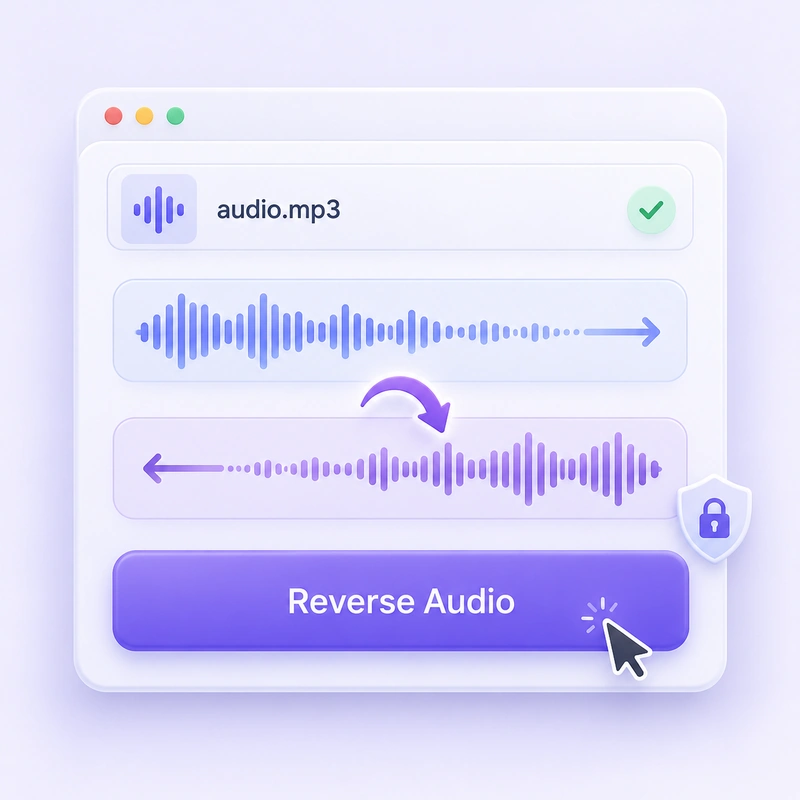
Tap the button. Your file is flipped on your own device, so nothing is uploaded and there is no queue.
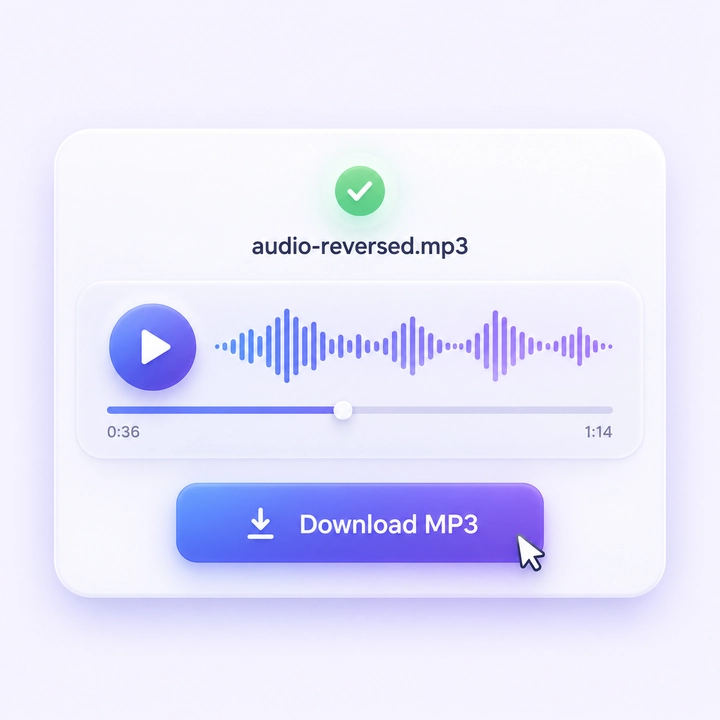
Press play to hear it backwards. Happy with it? Save the MP3 to your phone or computer, watermark-free.
Drop in a song, a voice memo, or a sound effect and play it in reverse right away. No sign-up, no watermark, no limit on how many files you flip.
Reverse as many files as you want. No sign-up, no usage cap, and your MP3 comes back clean.
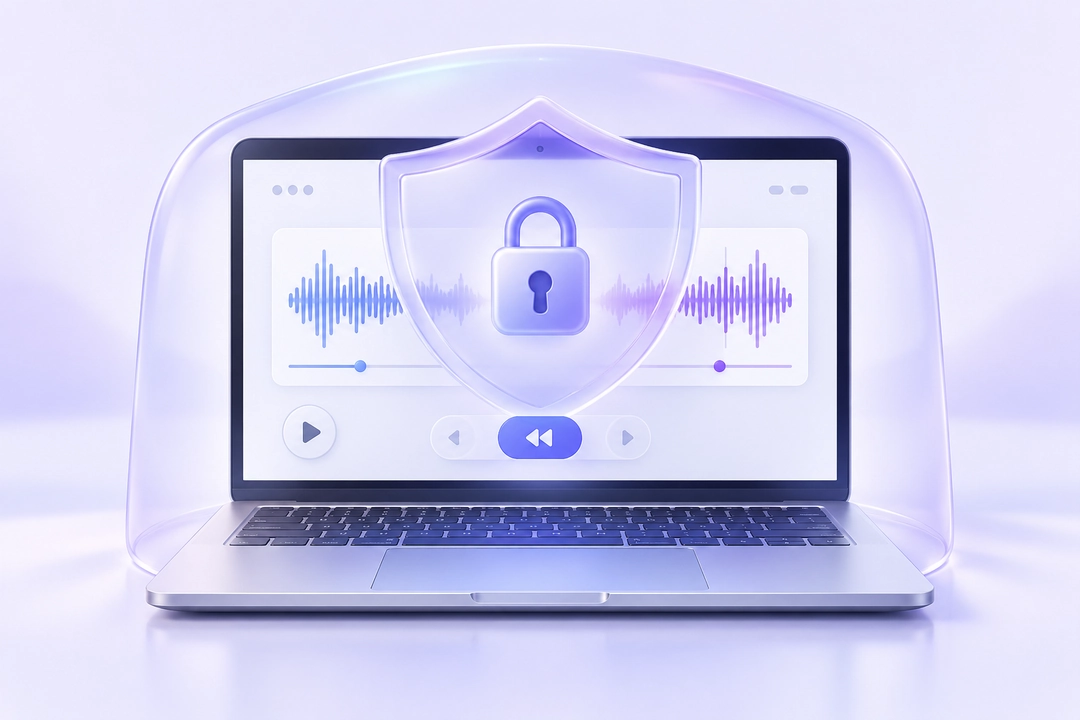
The free audio reverser runs inside your browser, so your file never leaves your device. Nothing is uploaded, stored, or seen by anyone but you.
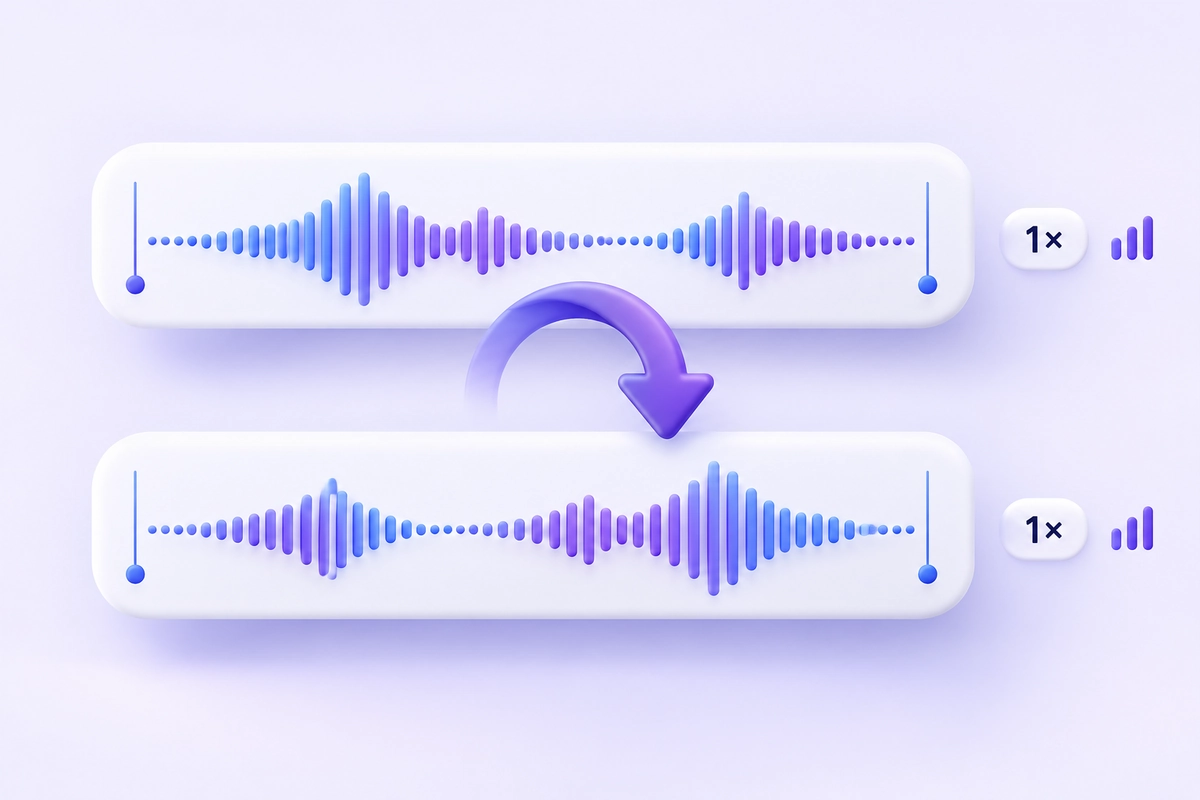
Reversing only flips the direction of your audio. No effects and no volume changes are applied.
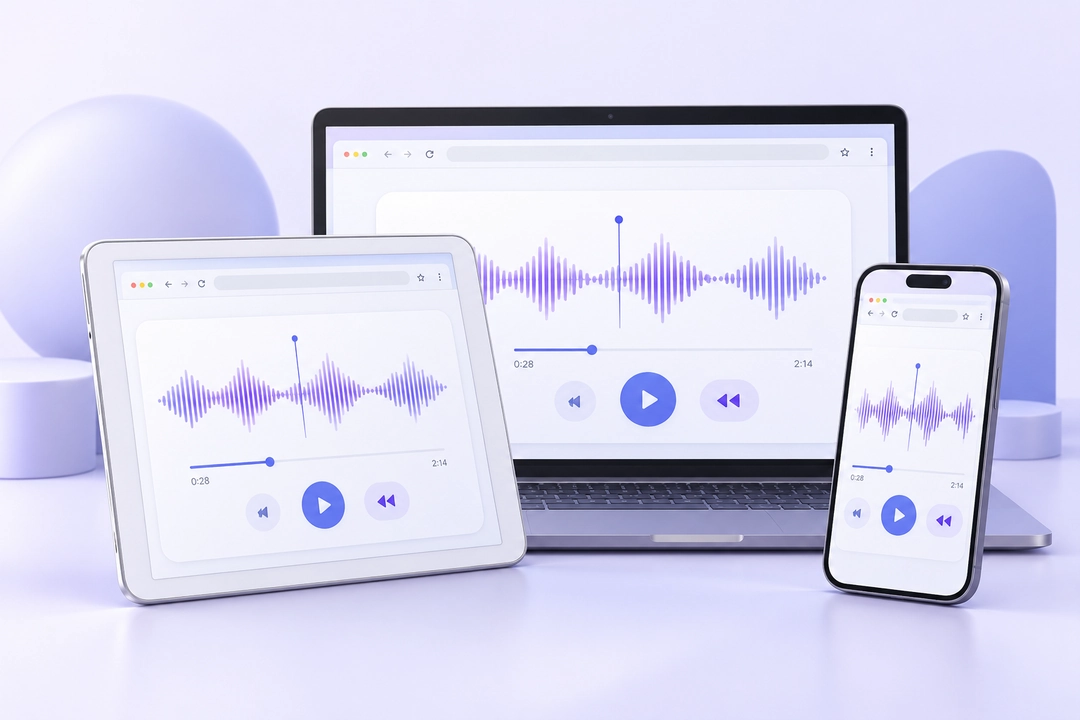
Use it in any browser on iPhone, Android, Windows, or Mac. Preview the result and download only if you like it.
People use an audio reverser for all kinds of reasons, from quick experiments to finishing touches on a track.
Record a short phrase, reverse it, and copy the strange sound you hear. Reverse your attempt to see if the original words come back.
Flip a song and see what you can hear. People have been doing this with records for decades, and some artists really do hide a line or a joke for fans to find.
A backwards whisper, door creak, or breath gives Reels, TikToks, and short films a strange, dreamlike feel.
Reverse a cymbal hit and it swells upward into the beat, the classic sound right before a drop.
Reverse the last second of a vocal line and put it in front of the verse.
The free audio reverser reverses the whole file, so cut your clip down to the part you need. This also helps you stay under the 30 MB limit.
Background noise gets reversed too, and it stands out more than you expect.
Reverse your audio, add reverb in an editor, then reverse it once more. The reverb now builds up into the sound instead of trailing off.
Save the source so you can try again with a different edit.
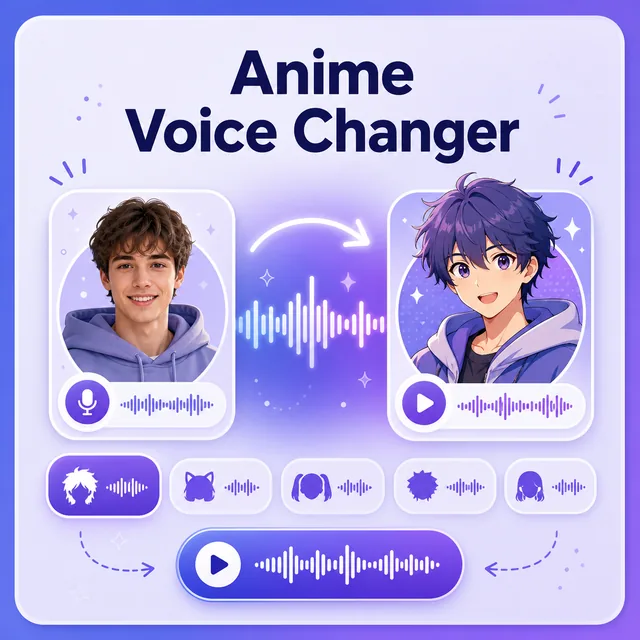
Create expressive anime-inspired character voices for videos, role-play, animations, and original stories.
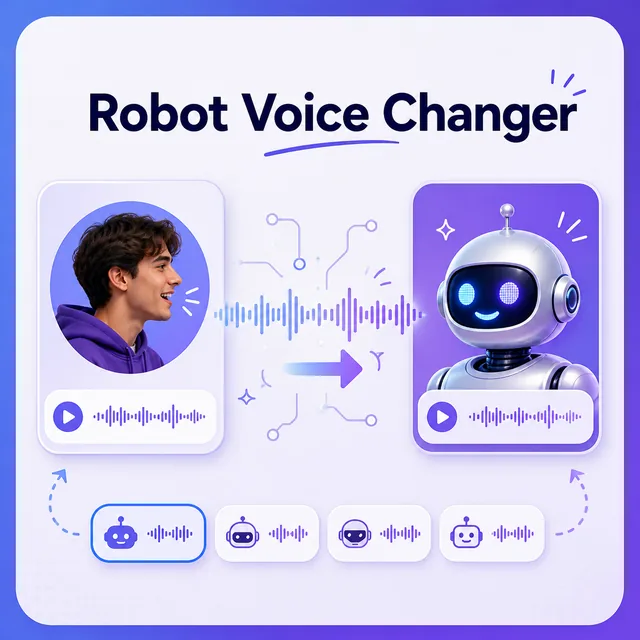
Turn any recording into a futuristic robot voice for games, animations, videos, and creative projects.
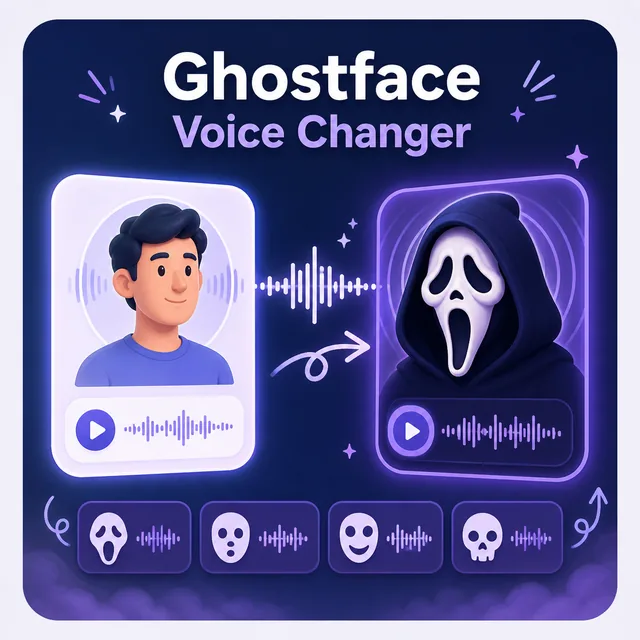
Build a dramatic masked horror-style voice for spooky videos, gaming, pranks, and character content.
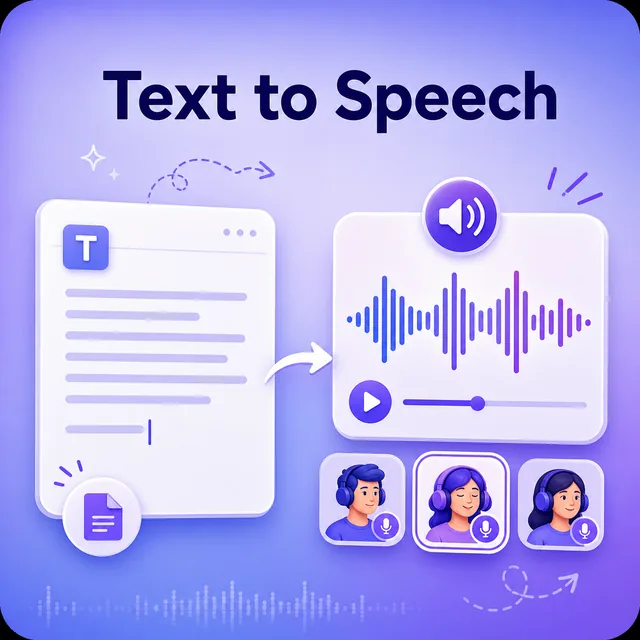
Convert written text into natural speech with a broad library of voices, languages, and speaking styles.
Yes. It is free, with no login and no limit on how many files you reverse.
It is fully online. The audio reverser runs in your browser tab, so there is nothing to download or install.
No. Your reversed file is clean, with no watermark added.
No. The file is processed in your browser on your own device, so it is never uploaded or stored.
Reversing only flips the direction of your recording. No effects are added and the pitch and speed stay the same. Reversed files are saved as MP3, so if you upload a lossless file like WAV or FLAC, expect the usual MP3 compression on the way out.
You can upload MP3, WAV, M4A, OGG, and FLAC files up to 30 MB. Your reversed audio is saved as an MP3.
Not at the moment. The tool reverses the entire file. To flip only a section, trim it first in any audio editor or phone app, then upload the shorter clip.
Yes. Songs, instrumentals, and MP3 files all work, as long as the file is under 30 MB.