Free SpongeBob Voice Generator

Turn any line into a bright, bubbly SpongeBob-style voice with this free SpongeBob voice generator. Type or upload, pick a mood, and download your MP3.

  • No sign-up
  • Unlimited use
  • MP3 download
Voice
Optional

SpongeBob Voice Lines to Try

Copy one into the SpongeBob voice generator to test it out:

0:05
Good morning, world! Today I’m going to be the best employee the ocean has ever seen!
0:06
Happy birthday! I baked you a cake. It’s mostly sand, but it’s full of love!
0:06
Breaking news: my alarm clock and I are no longer on speaking terms.
0:04
Subscribe, or I’ll keep talking in this voice forever!

What Makes a SpongeBob Voice Sound Right

The character’s voice is high, bright and a little nasal, delivered fast with big swings in energy. The SpongeBob voice generator handles the tone, and your script handles the rest.

  1. Write short, punchy sentences. Long, comma-heavy sentences flatten the energy, so break them up.
  2. Use exclamation points on purpose. They push the delivery toward excitement. Use them where the line should spike, not everywhere.
  3. Spell out sounds. Words like “Ooh!”, “Wahoo!” or “Ha-ha-ha!” give the voice something to perform.

Two Ways to Get the SpongeBob Voice

Most tools only offer SpongeBob text to speech. Our SpongeBob voice generator also lets you upload your own voice, so you choose how much of the performance comes from you.
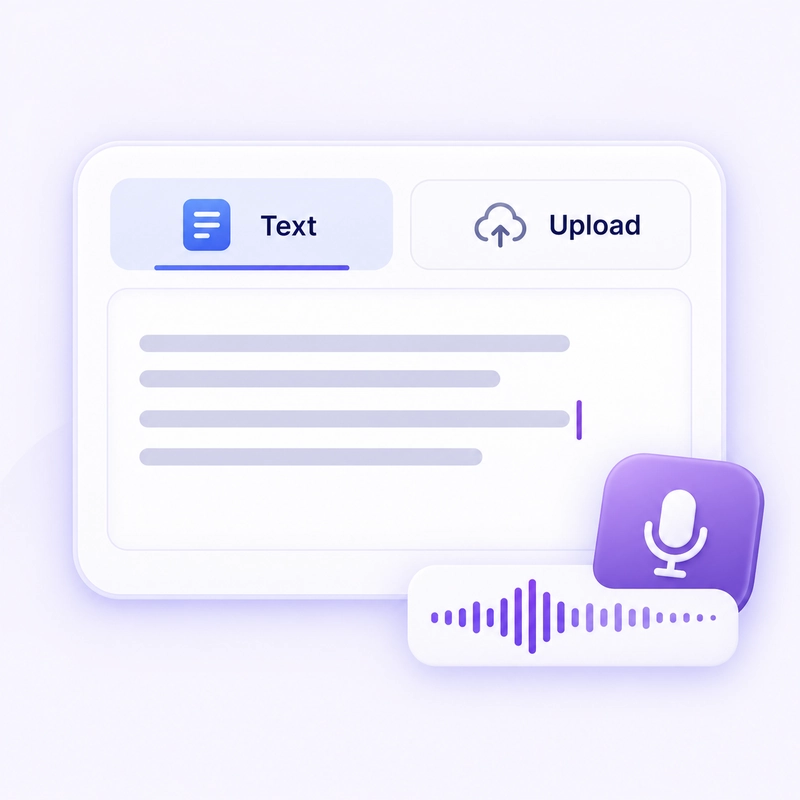
Type text (text to speech)

Best for
Meme lines, captions, quick jokes
What you give it
Up to 1,000 characters
Delivery comes from
The AI and the mood you pick
Output
MP3

Upload audio

Best for
Skits, reaction clips, fan dubs
What you give it
A recording up to 5 minutes
Delivery comes from
You: your pacing, pauses and timing stay intact
Output
MP3

How to Use the SpongeBob Voice Generator

Type text or upload audio

Step 1: Add your line.

Type or paste your script, or upload an audio clip of yourself speaking.
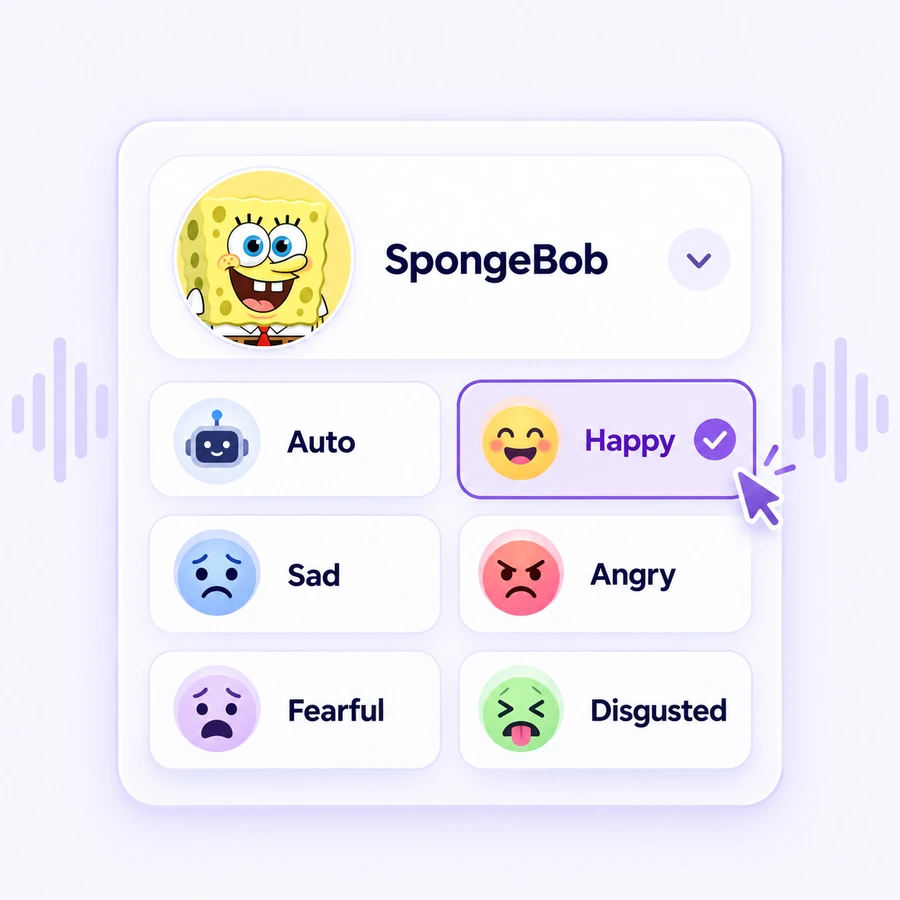
Choose SpongeBob voice and mood

Step 2: Pick the voice and a mood.

Select the SpongeBob voice, then choose an emotion: Happy, Sad, Angry, Fearful, Disgusted, or leave it on Auto to let the tool match your audio.
Preview and download SpongeBob MP3

Step 3: Generate, listen, download.

Play the result. If it lands, download the MP3. If not, tweak the script or mood and try again. There’s no counter running down.

Ready to Make Your SpongeBob Voice?

Type a line or upload your own recording and get an MP3 in seconds. Free, no sign-up, nothing to install.

Why Use This SpongeBob Voice Generator

No login, no sign-up

Open the page and start right away. You don’t need an account, an email address or an app download.

Free, with no limits

There’s no daily cap and no paywall. Generate as many takes as you like and download every MP3 for free.

Safe and private

Your text and recordings are only used to create your audio. They’re never shared and never used for AI training.

Where People Use a SpongeBob Voice

From short videos to birthday surprises, here’s how people put the SpongeBob voice generator to work.

TikTok, Reels and Shorts

Add a SpongeBob-style voiceover to meme edits, POV skits and reaction clips so your video stands out from the first second.

Birthday and holiday greetings

Put a friend’s name in a birthday or holiday message and send it as a fun voice note they won’t forget.

Fan animations and parodies

Voice dialogue for fan shorts and comic dubs. Upload your own reading to keep the exact comedic timing you want.

Classroom and family fun

Turn reading lists, reminders or chore charts into cheerful cartoon announcements that kids actually want to listen to.

Gaming clips and highlights

Narrate clutch plays, epic fails or stream intros in a SpongeBob-style voice, then drop the MP3 into your edit.

Pranks and party moments

Make silly voice messages, funny alarms or surprise sound clips for group chats and parties, as many as you like.

FAQs about SpongeBob Voice Generator

Yes. It’s completely free, with no sign-up and no limit on how many times you generate.

Yes. Type or paste up to 1,000 characters, pick a mood, and the SpongeBob text to speech mode reads it aloud in seconds.

Yes. Switch to the upload tab and add a recording of yourself, up to 5 minutes long. The tool converts it while keeping your original pacing and pauses.

No. This is a generate-and-download tool, not a live voice changer. You create the clip first, then use it in your video or post.

SpongeBob SquarePants is a trademarked character owned by Nickelodeon. Use the voice for personal, parody and fan projects. For ads, paid products or anything that implies endorsement, you’d need permission from the rights holder.

No. It’s an AI-generated voice inspired by the character’s style, not a recording of the original voice actor, and it isn’t affiliated with Nickelodeon.

Yes. The SpongeBob voice generator runs in any modern mobile browser, with no app to install.