



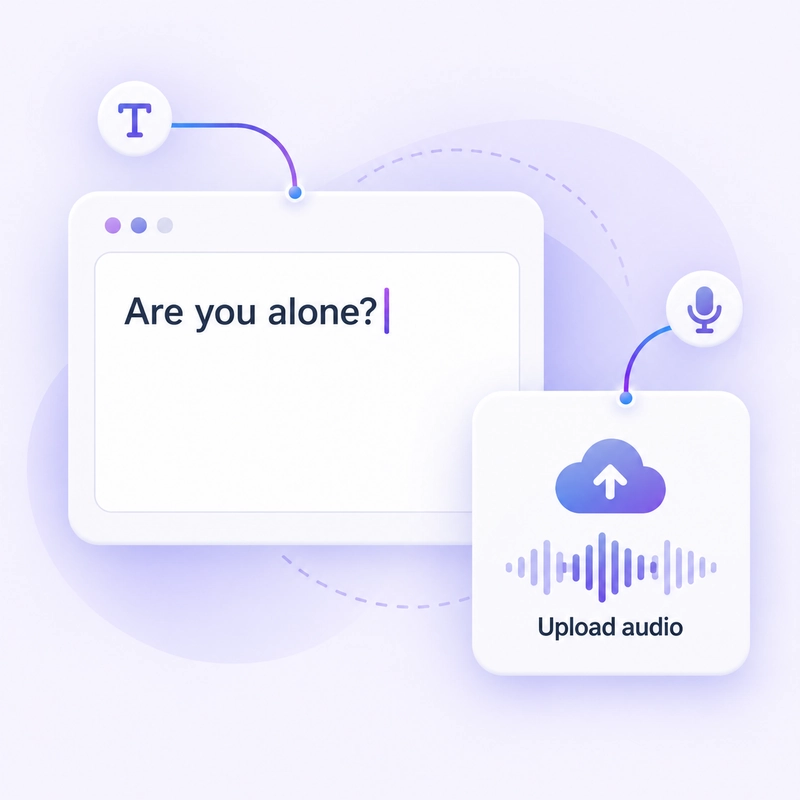
Step 1: Write your creepy line
Type your text or upload a recording.

Our free Ghostface voice changer turns typed text or uploaded audio into dark, raspy and whispering horror voices.
 HOT
 HOT
 HOT
 HOT
 HOT




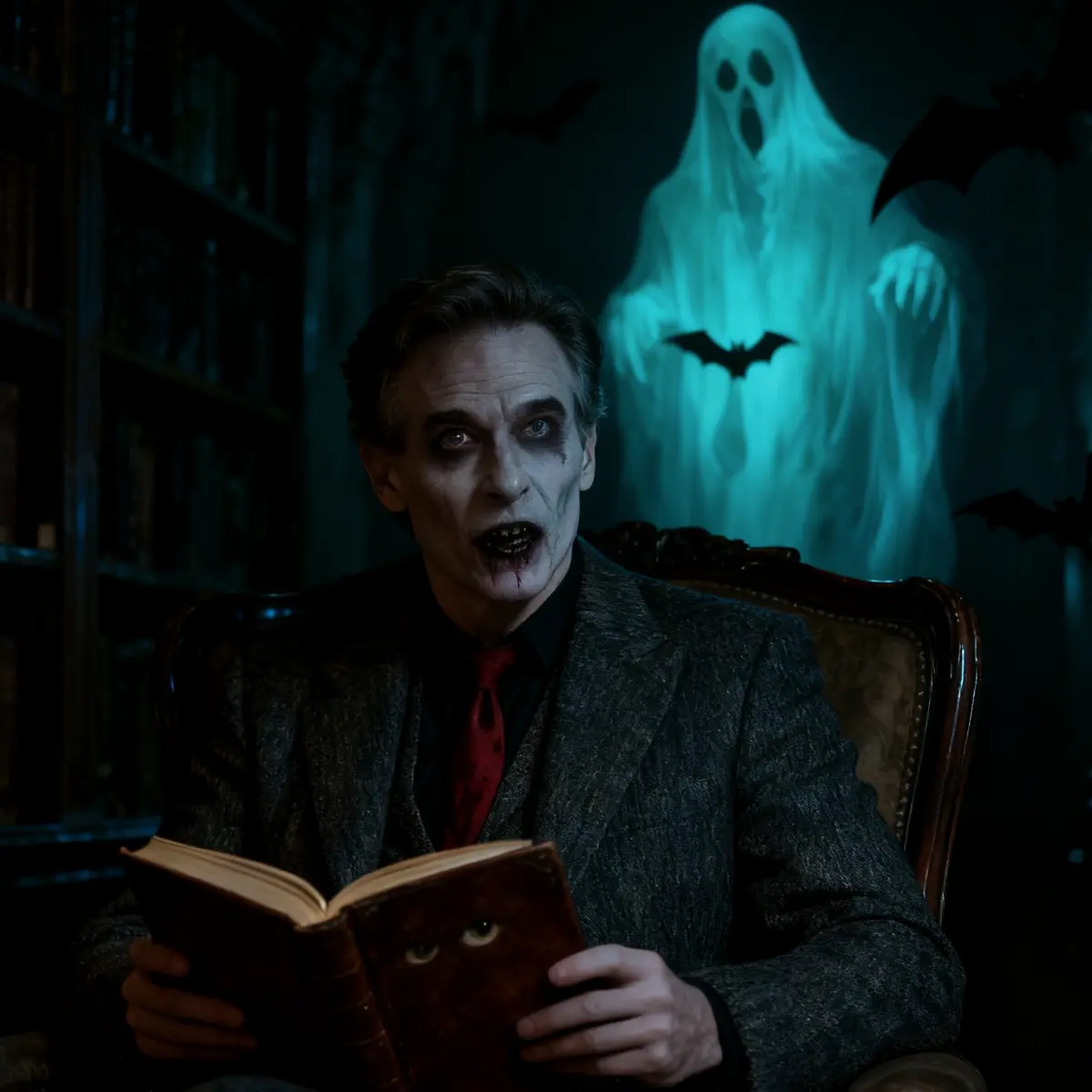
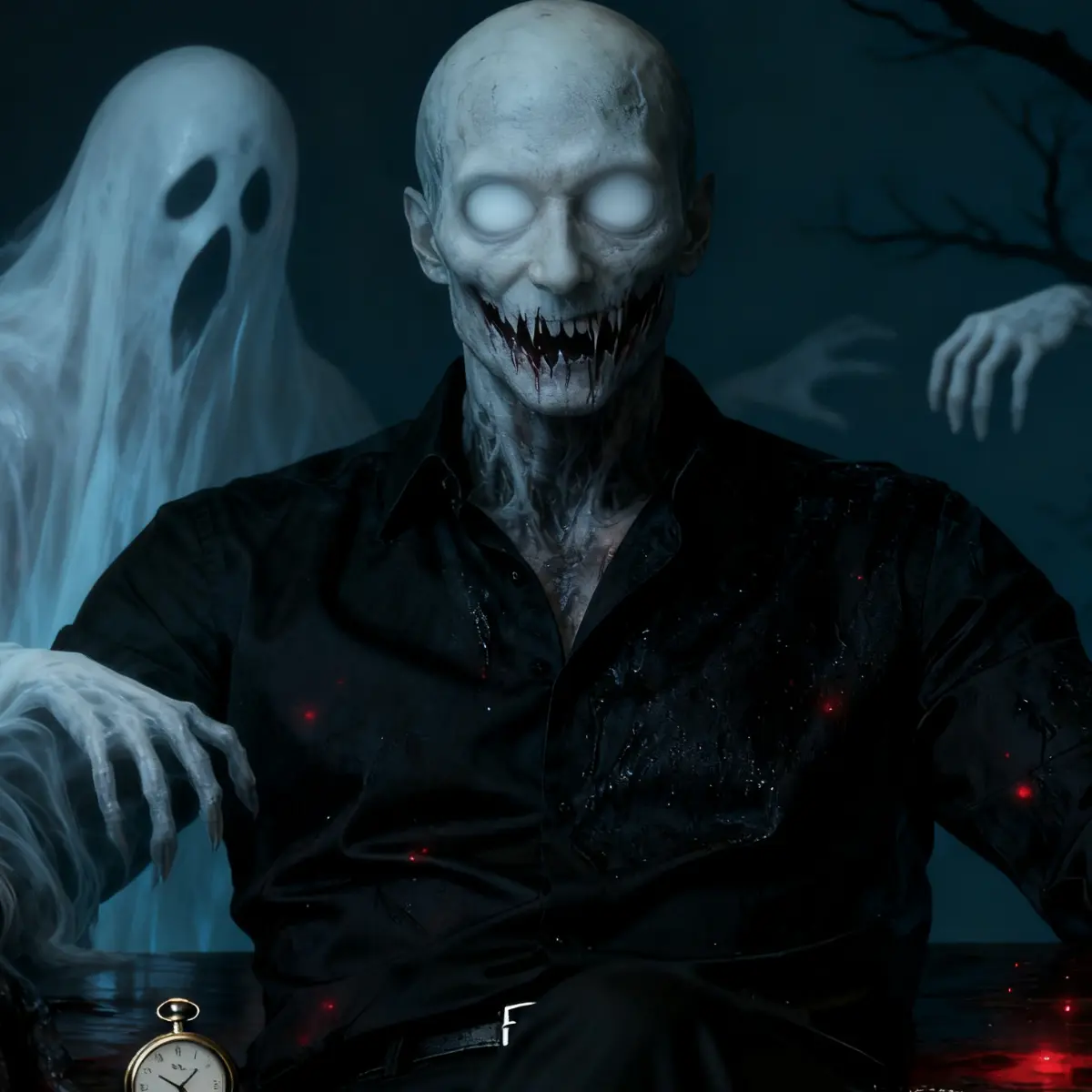


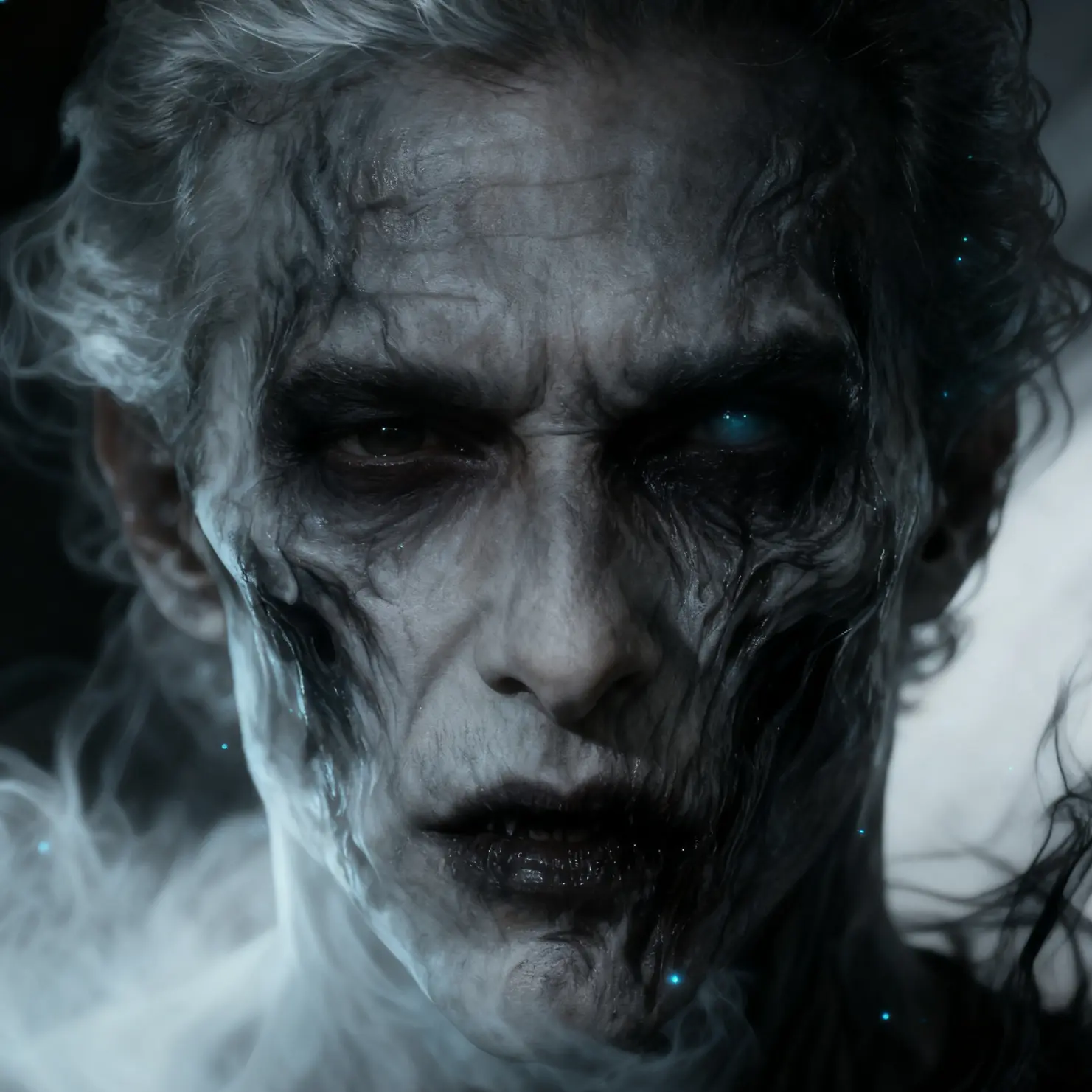
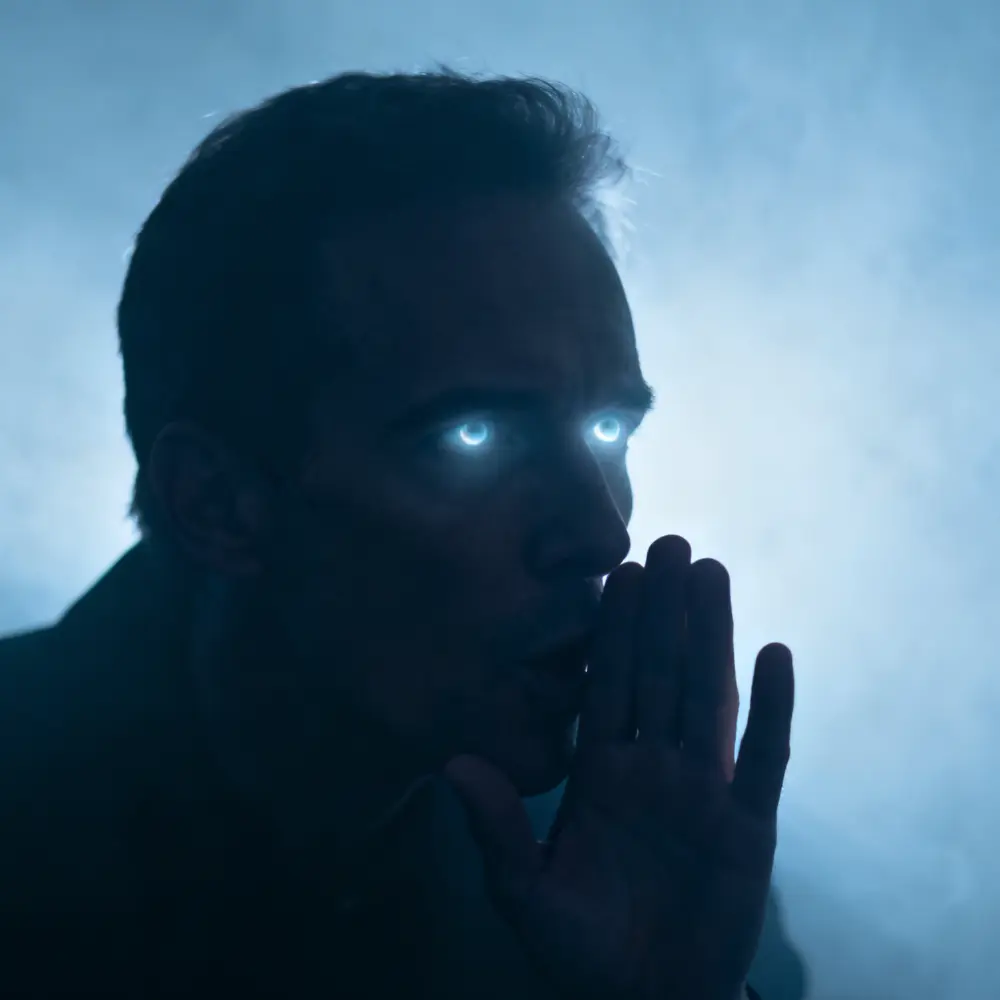
Type your text or upload a recording.
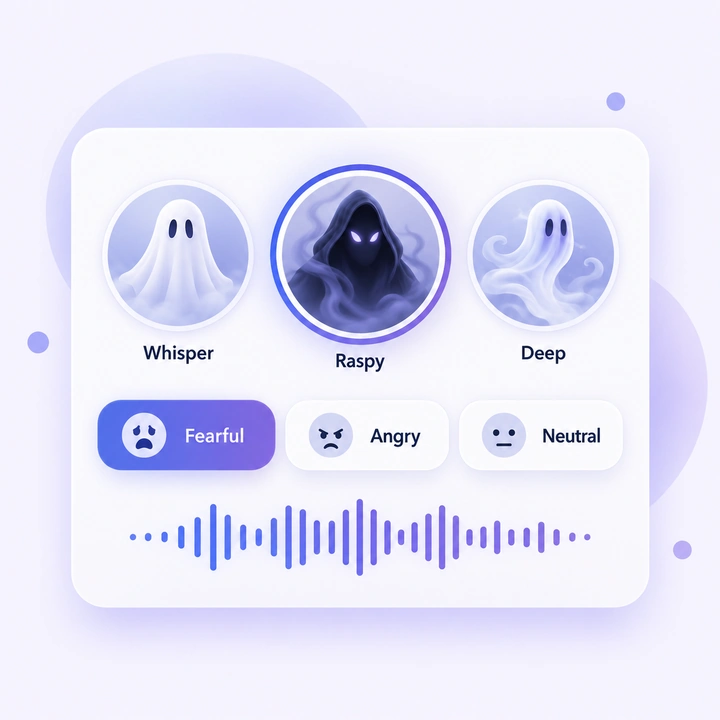
Pick a whisper or a rasp, then set Fearful, Angry or any emotion you like.
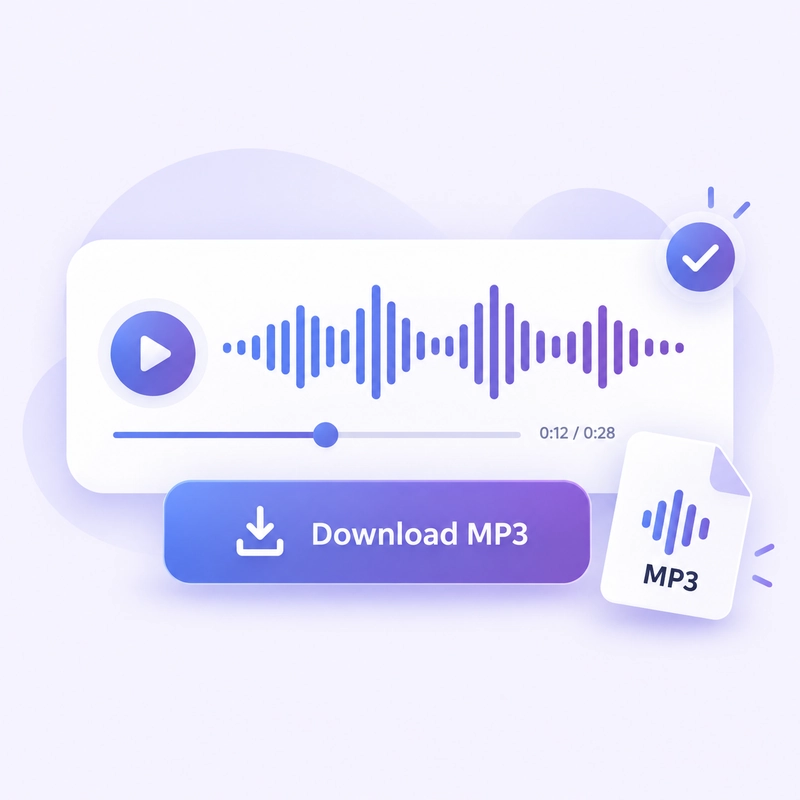
Preview it, then download the MP3 and add it to your video, game or stream.
Type a line or upload your audio, pick a raspy or whispering voice, and download your MP3 in minutes. It's completely free, with no login and no usage limits.
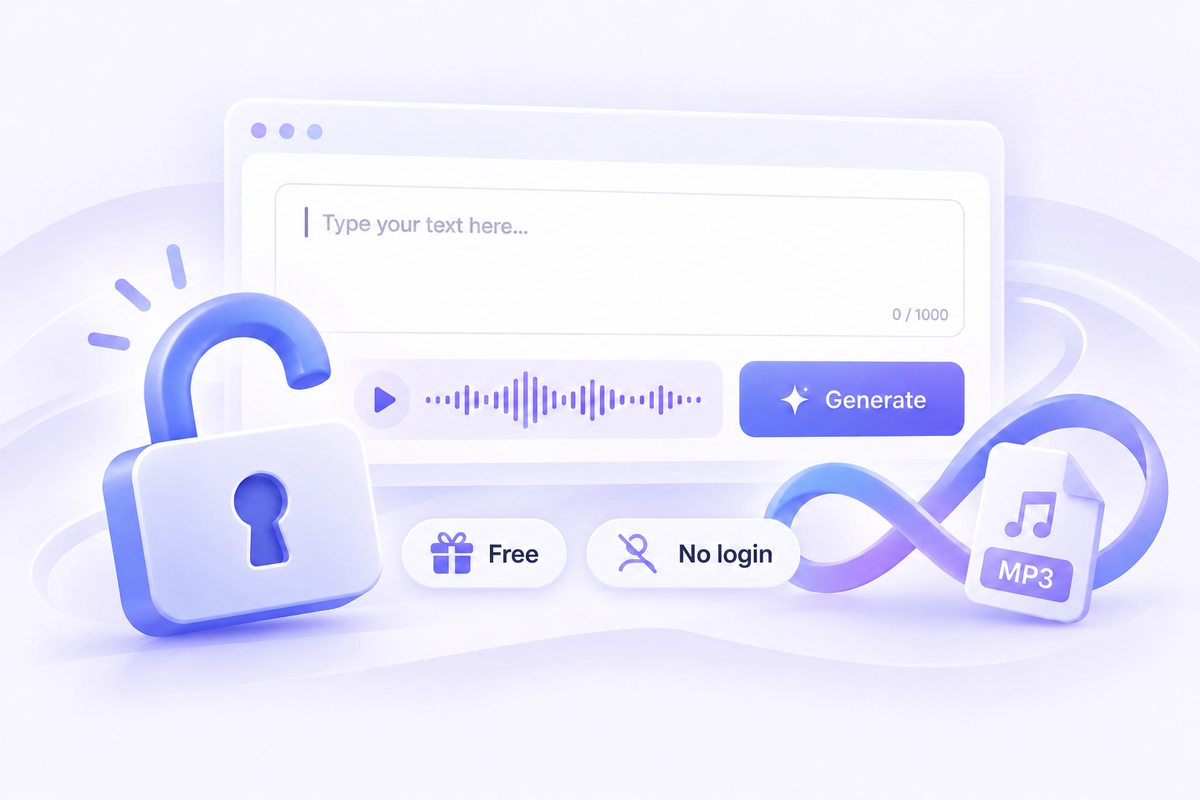
Start creating right away. There’s no sign-up, no login and no limit on how many voices you generate. Open the page, type your text or upload audio, and download your MP3 in minutes.
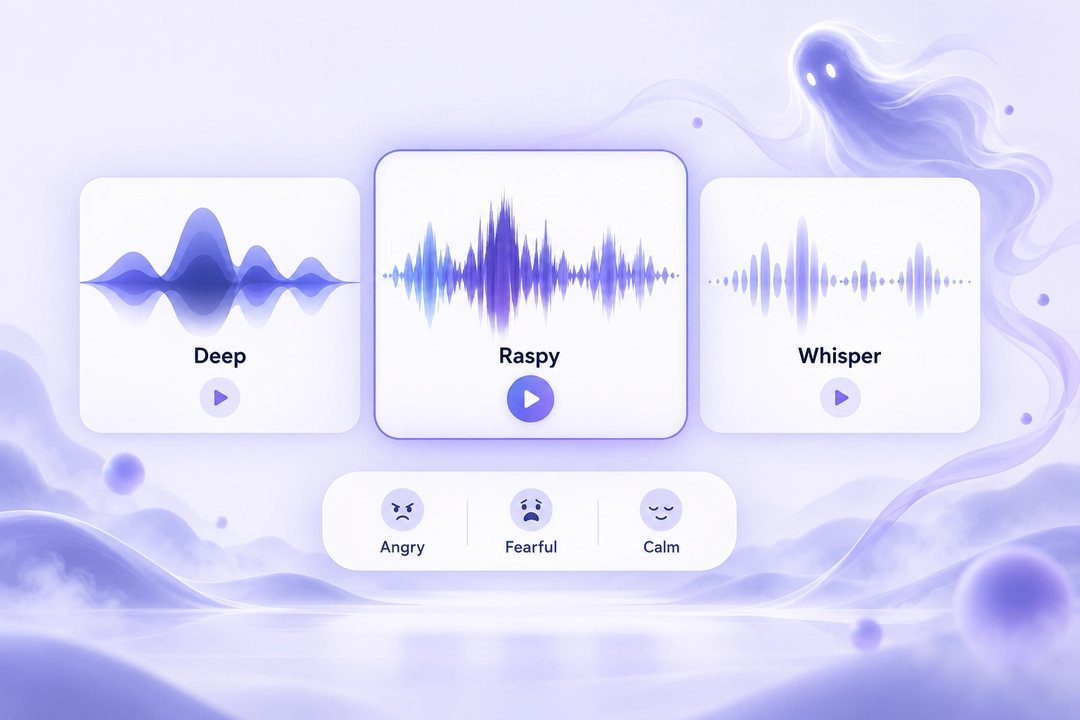
Choose from deep growls, breathy whispers and cold, eerie tones. Adjust the emotion to make the same line sound angry, fearful or unsettlingly calm.
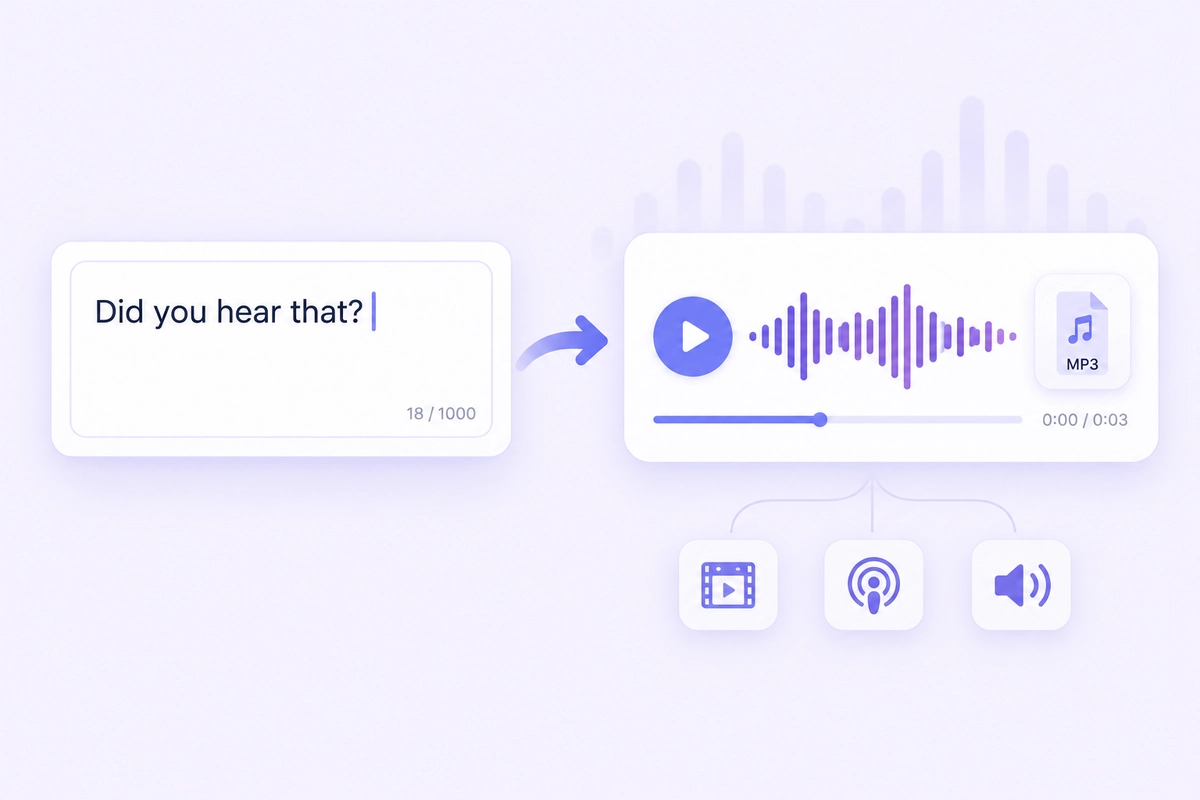
No microphone needed. Type up to 1,000 characters, pick a voice, and generate a spooky voiceover ready for your video, podcast or escape-room announcement.
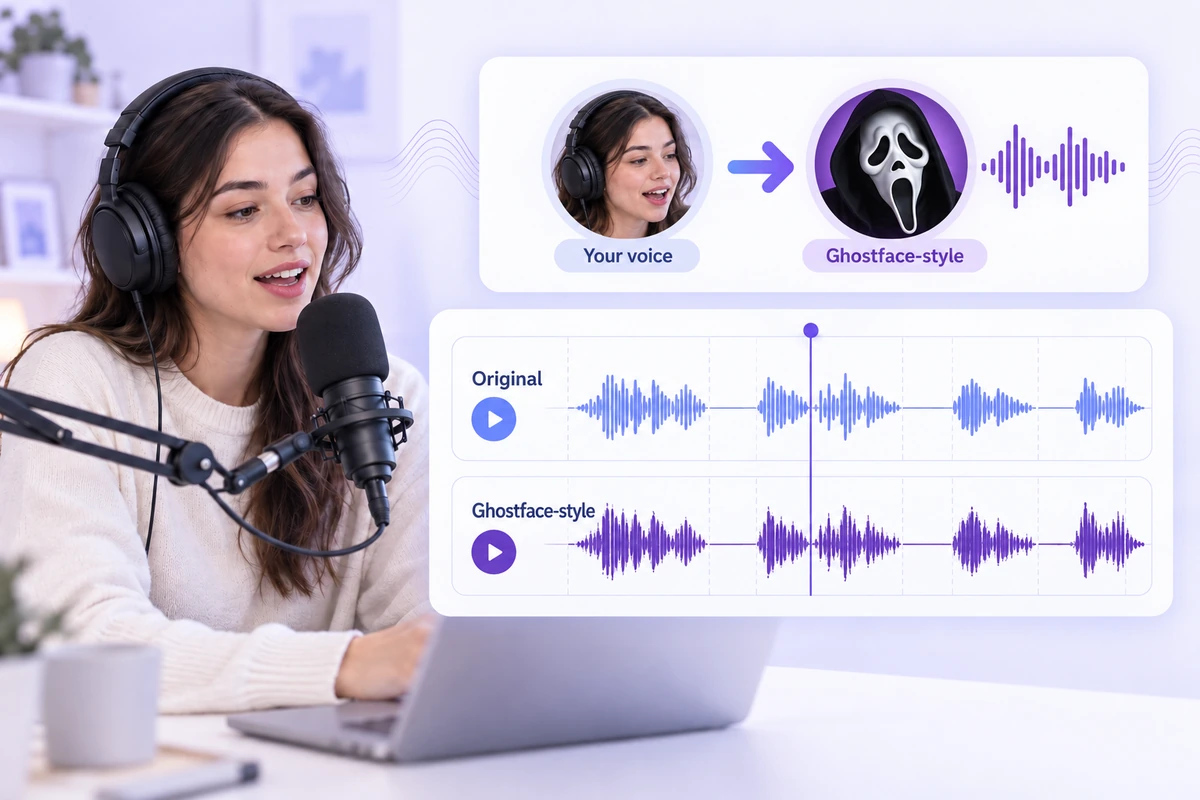
Already recorded your lines? Upload audio and the converted voice keeps your original pace and pauses, so it stays in sync with your footage.
Give monsters, killers and NPCs a menacing voice without hiring voice actors.
Generate spooky intros, jump-scare stingers and character lines to play during your stream. It is not real-time, so prepare your clips in advance.
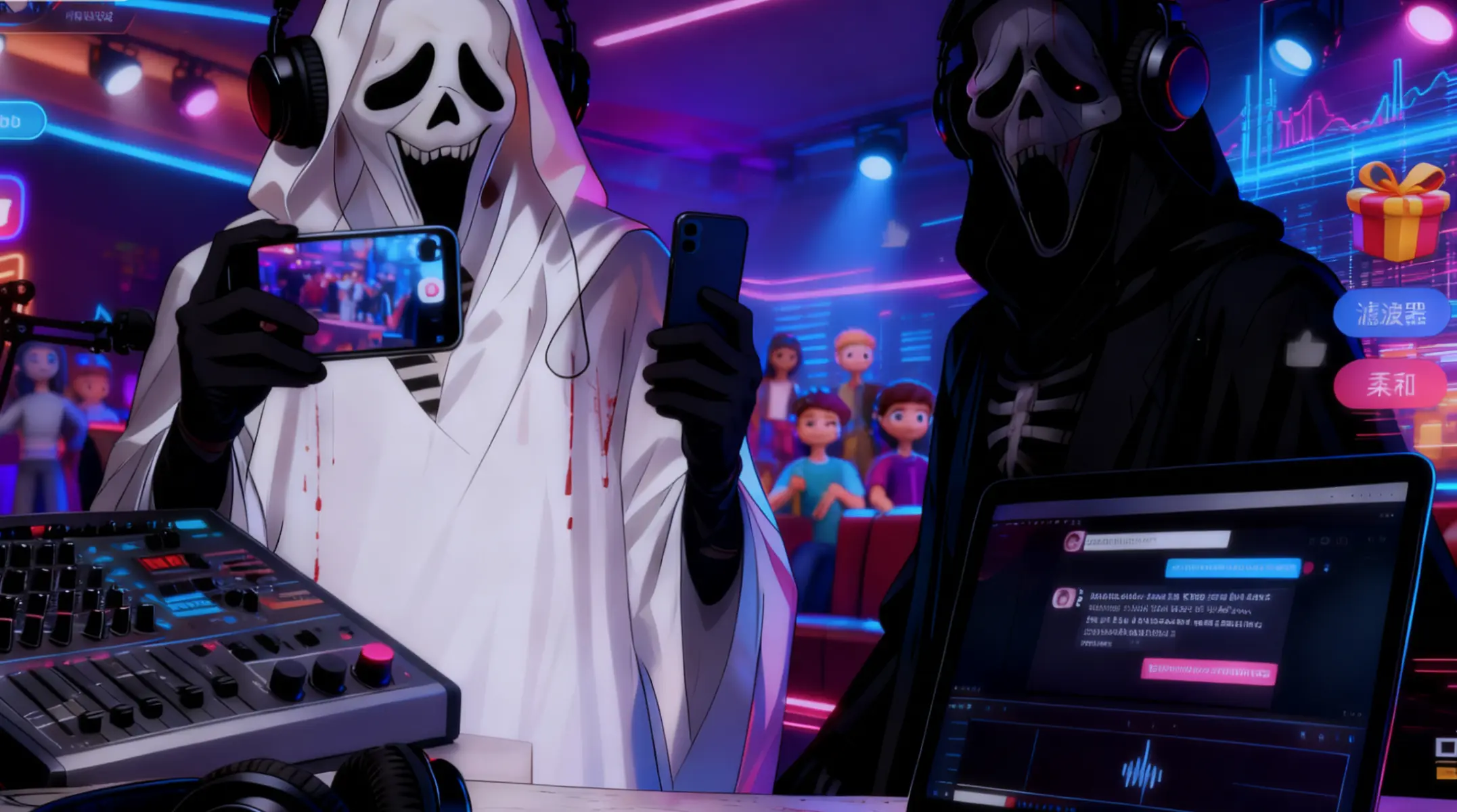
Add a chilling narrator or a whispered voiceover to TikTok, Reels and YouTube Shorts.
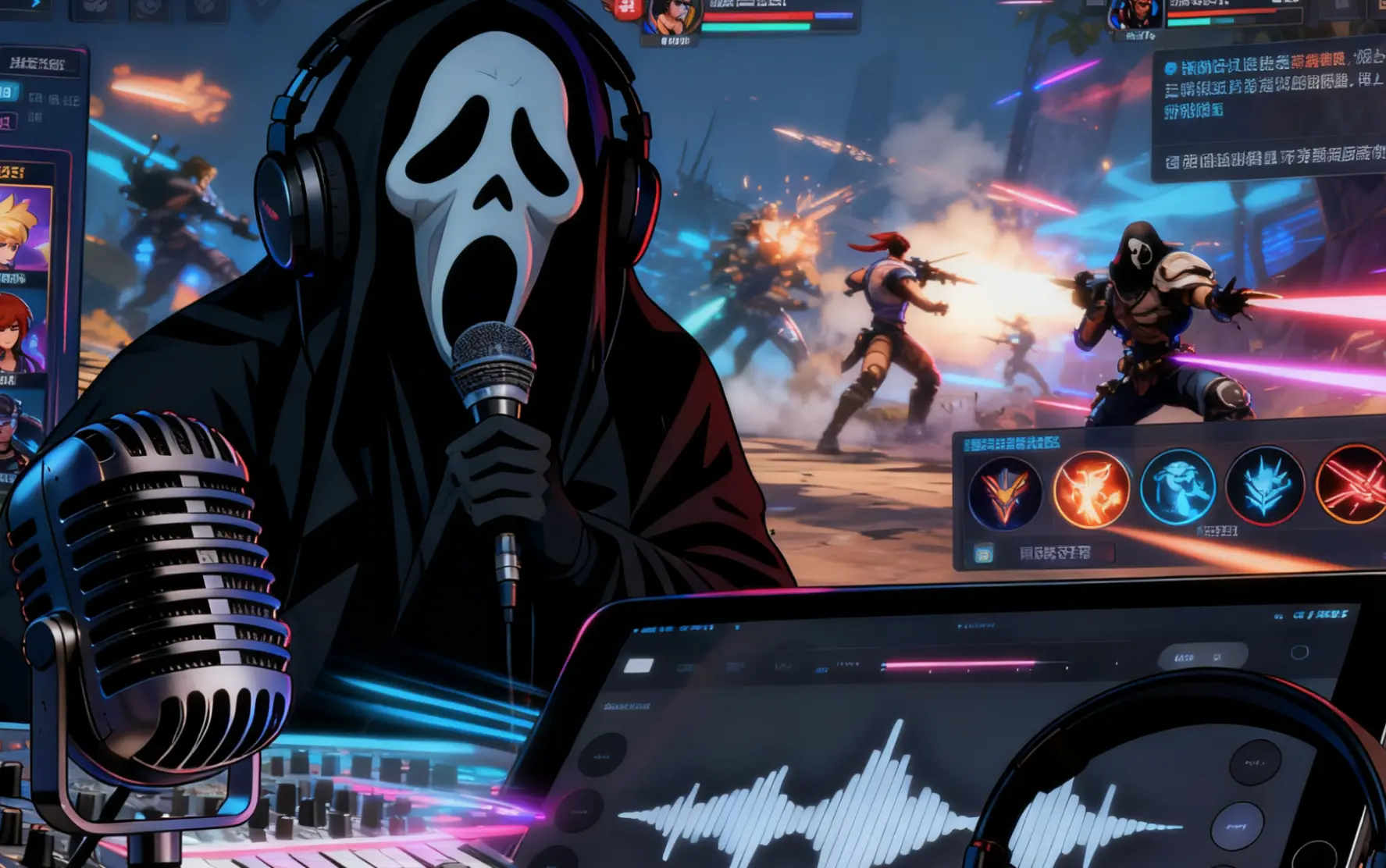
Make a creepy voice message for friends who are in on the joke. Please do not use it to harass or impersonate anyone.
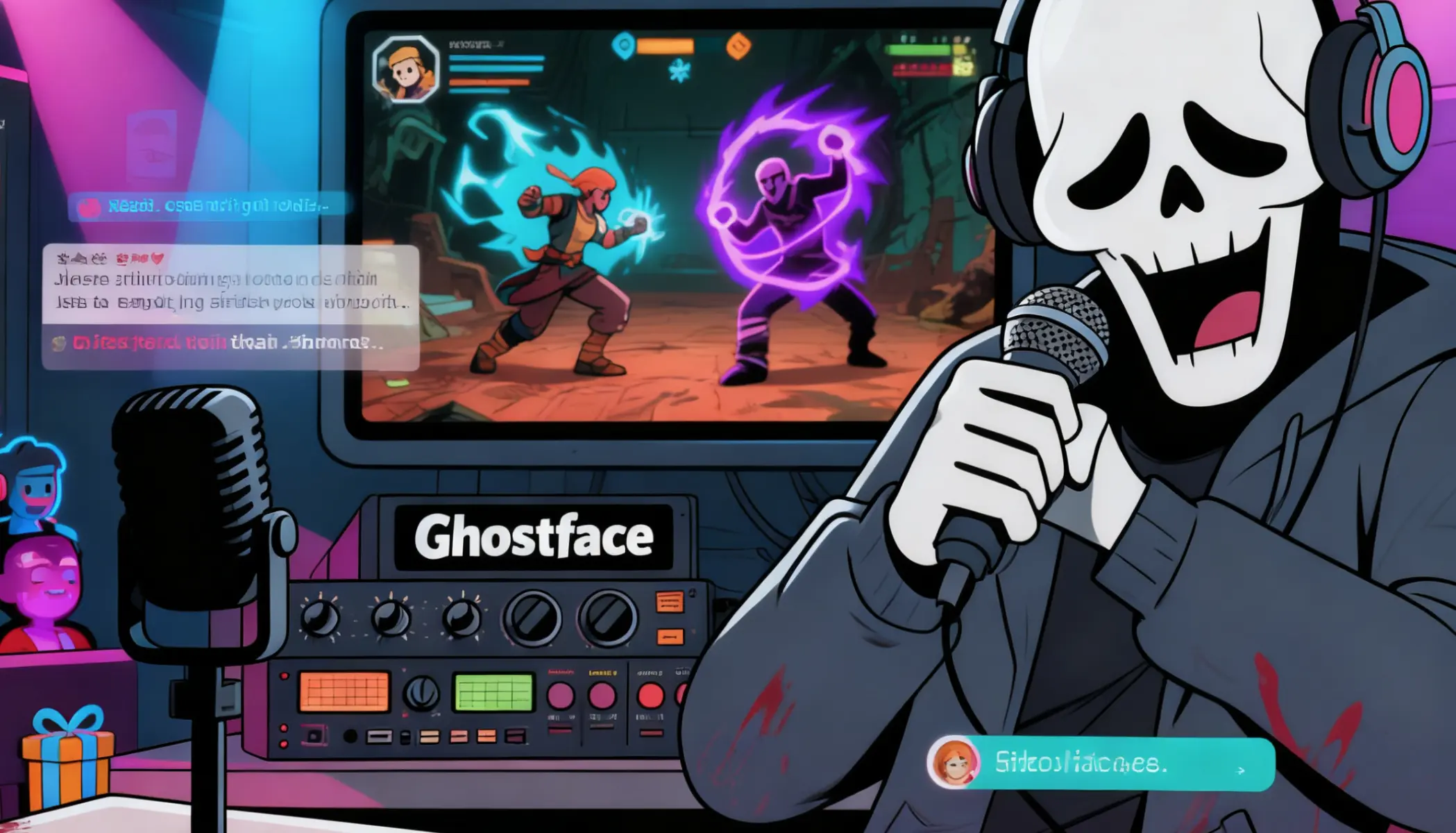
Voice ghost stories, creepypasta and animated characters with different dark voices.
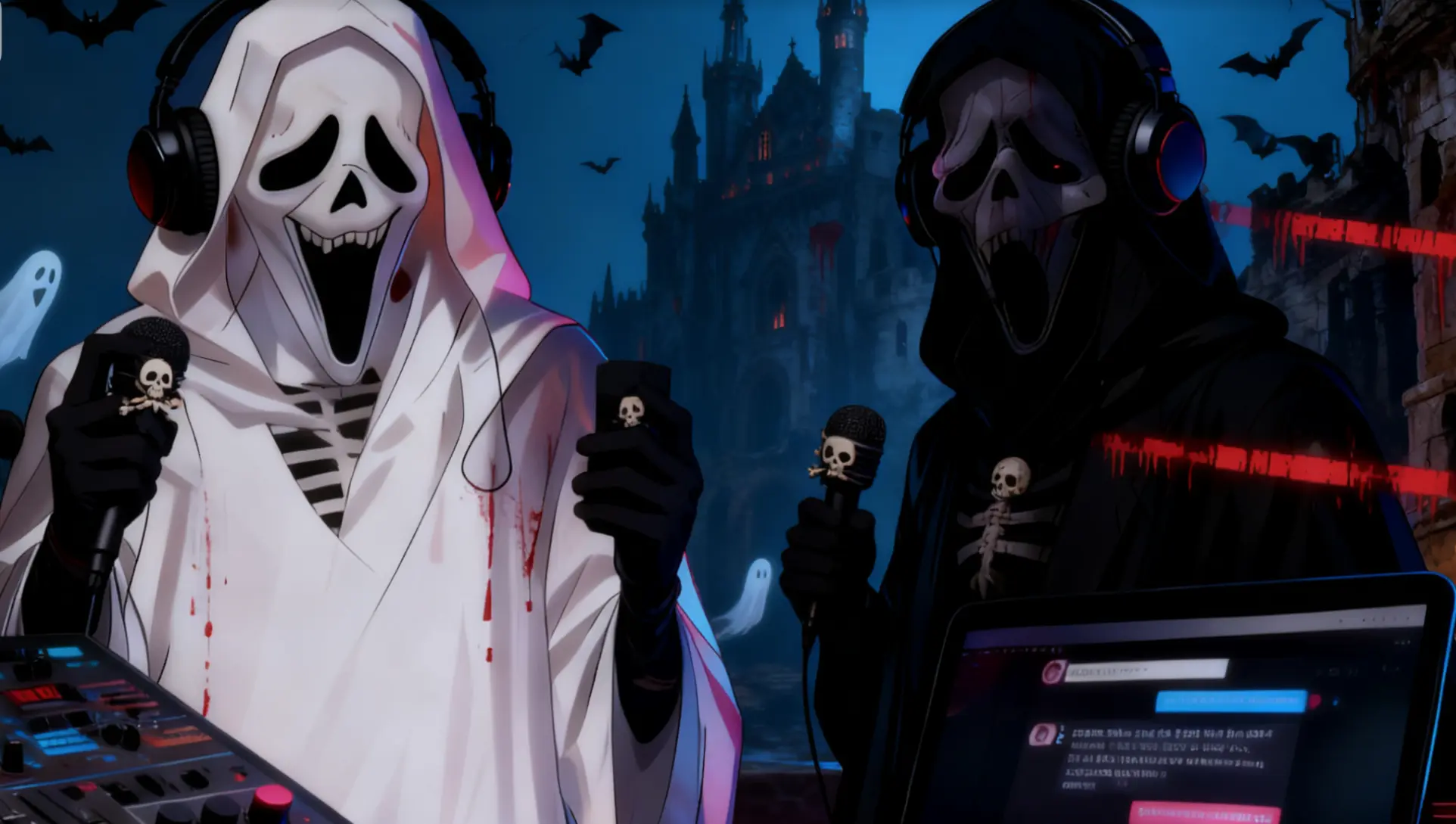
Turn a sung or spoken line into a haunting effect for party playlists and haunted-house audio.
It is a free AI voice generator that creates Ghostface-style voices: dark, raspy, whispering and menacing. You can type text or upload audio, then pick a voice and emotion.
Yes, it is completely free with no login and no limit on how many times you use it.
No. It is a generate-and-download tool, not a real-time voice changer. Create your audio first, then play it in your stream, game or video.
Yes, you can use the generated audio in your videos, games and other projects, including commercial ones.
MP3, WAV and M4A, up to 5 minutes and 30 MB per file. Text input is limited to 1,000 characters per generation.
Usually between 30 seconds and 2 minutes, depending on text or audio length.
Your audio is uploaded to our servers only to generate the result and is deleted automatically after processing. It is never used to train AI models.
No. We create original Ghostface-style voices with a similar dark, raspy feel, but we do not copy any specific actor or movie voice.