
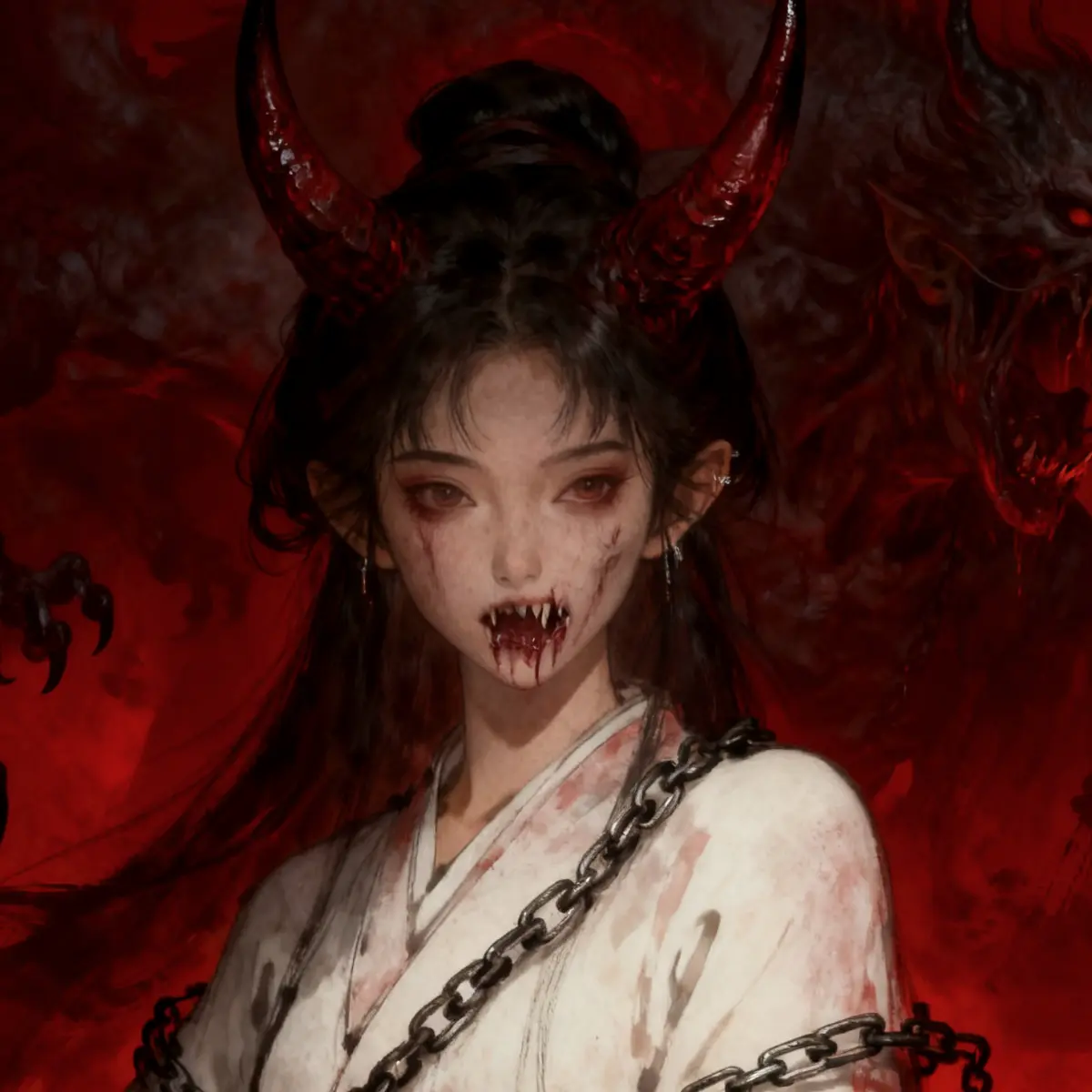
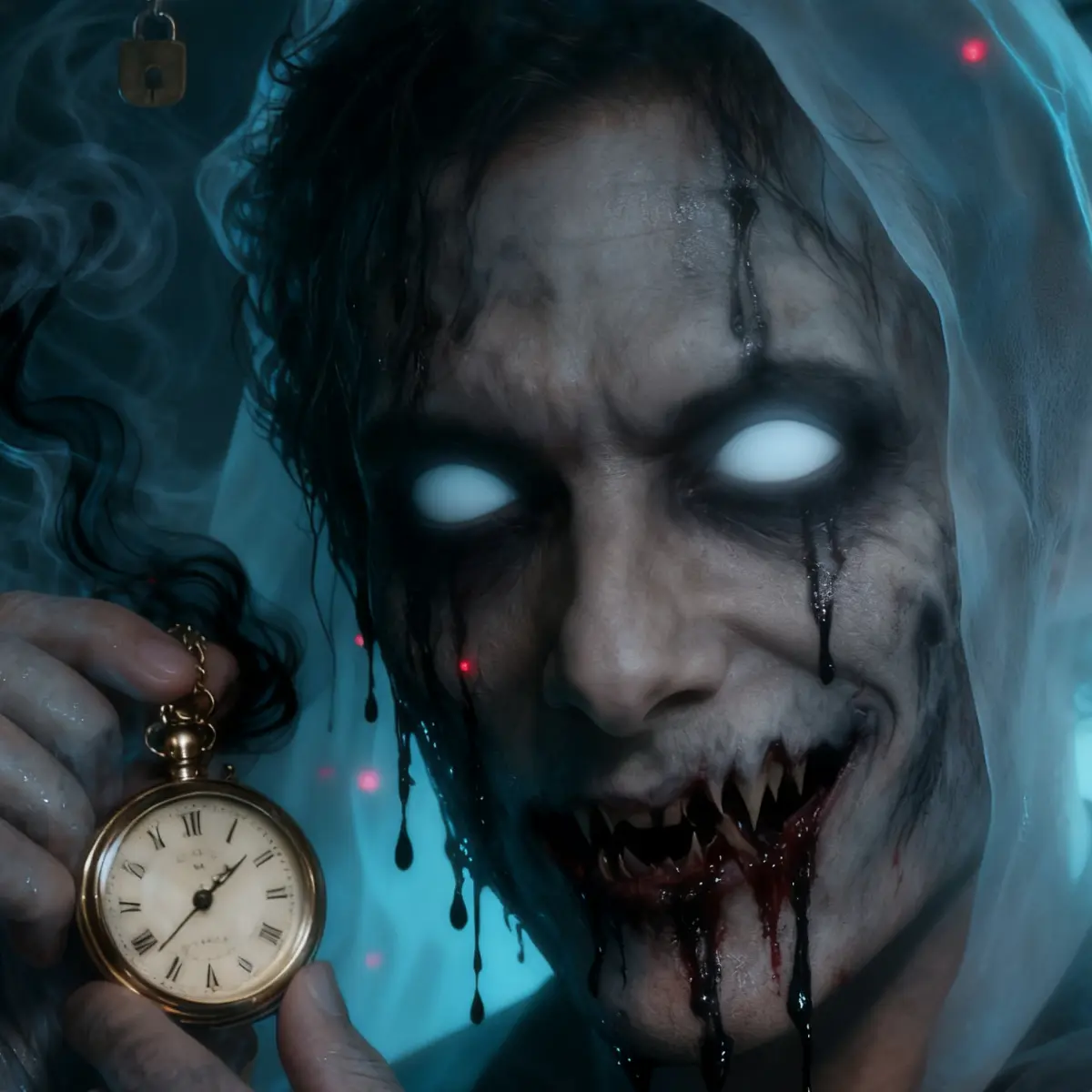

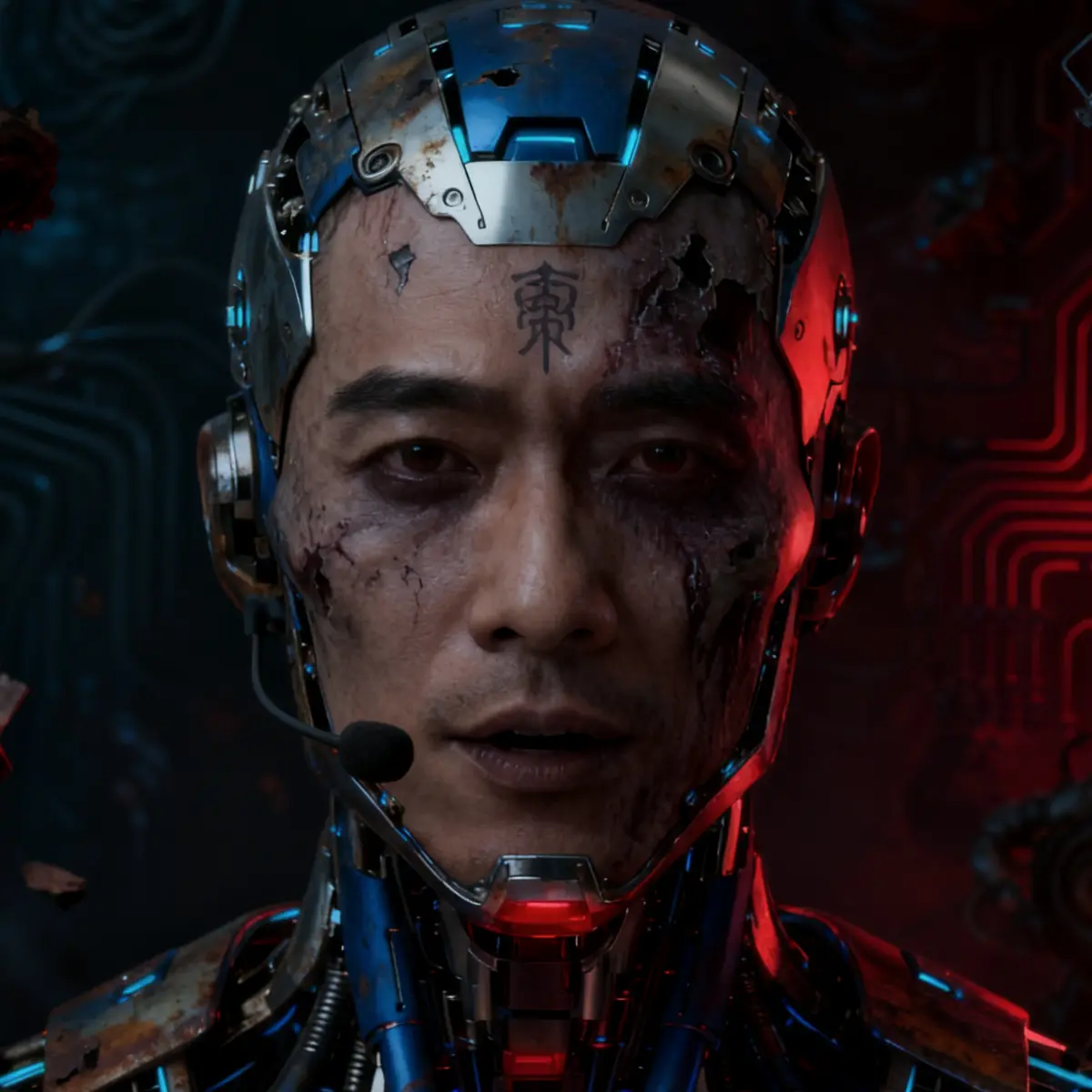
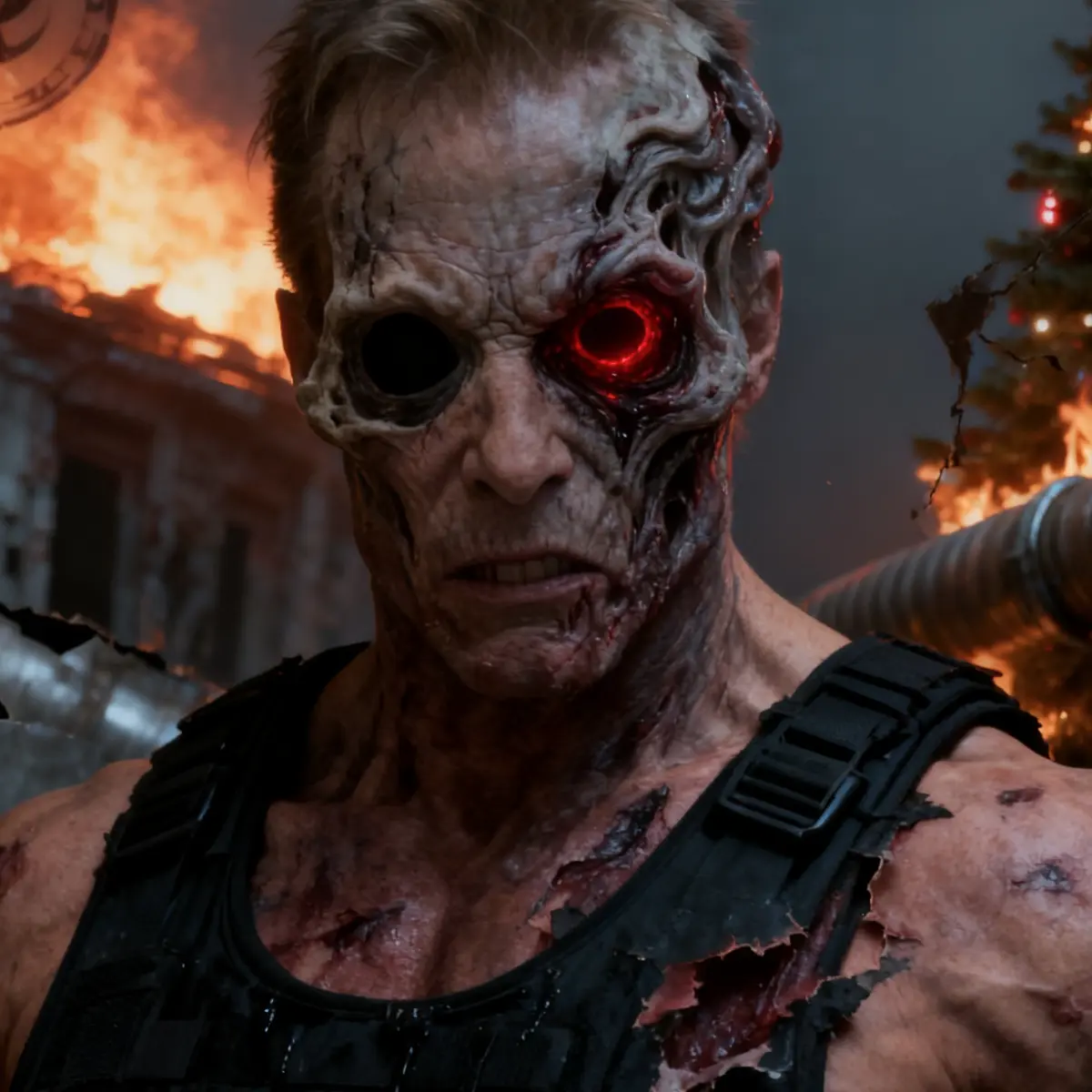

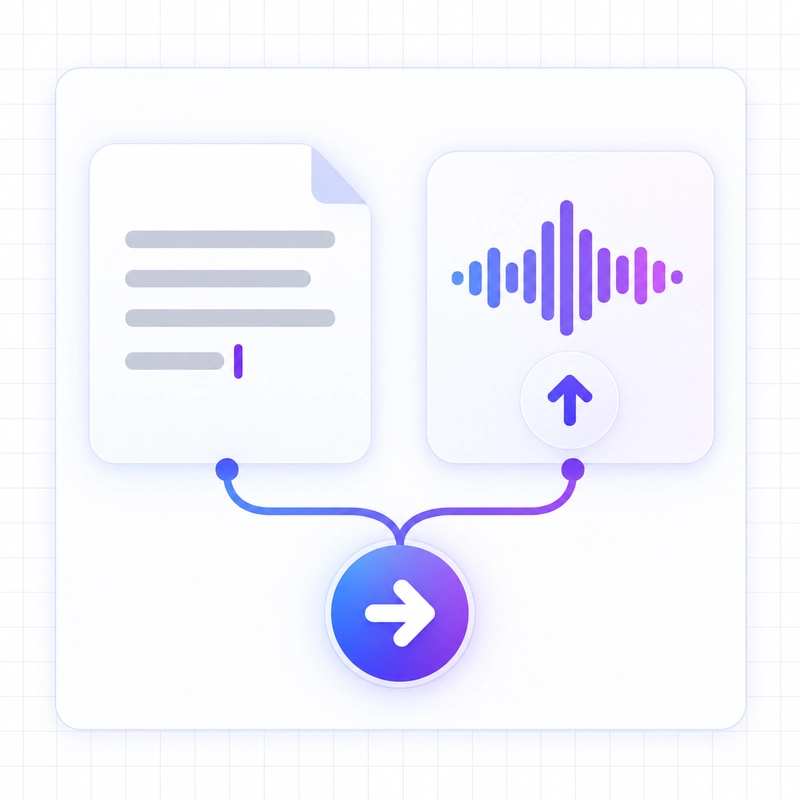
Step 1: Add Text or Upload Audio
For scary text to speech, type or paste the words you want performed. If you already have a recording, upload it to transform the voice while preserving the spoken message.
_webp.webp)
This scary voice generator turns any script into a ghostly whisper, dark narration, or creature voice. Choose a scary AI voice, set the emotion, generate your audio, and download it for your next horror project.
 HOT
HOT  HOT
HOT  HOT
HOT  HOT
HOT  HOT
HOT  HOT
HOT  HOT
HOT  HOT
HOT 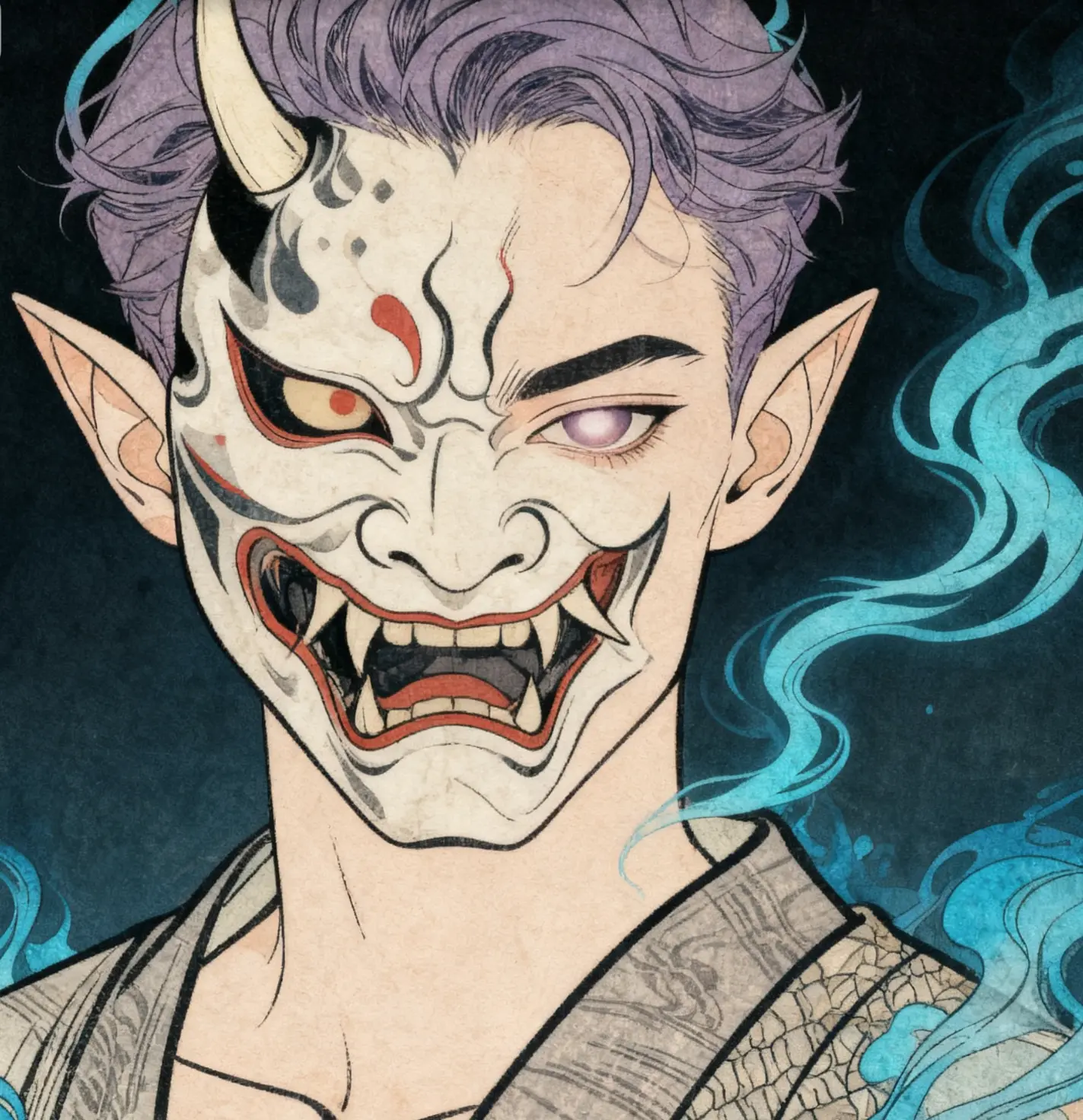 HOT
HOT 

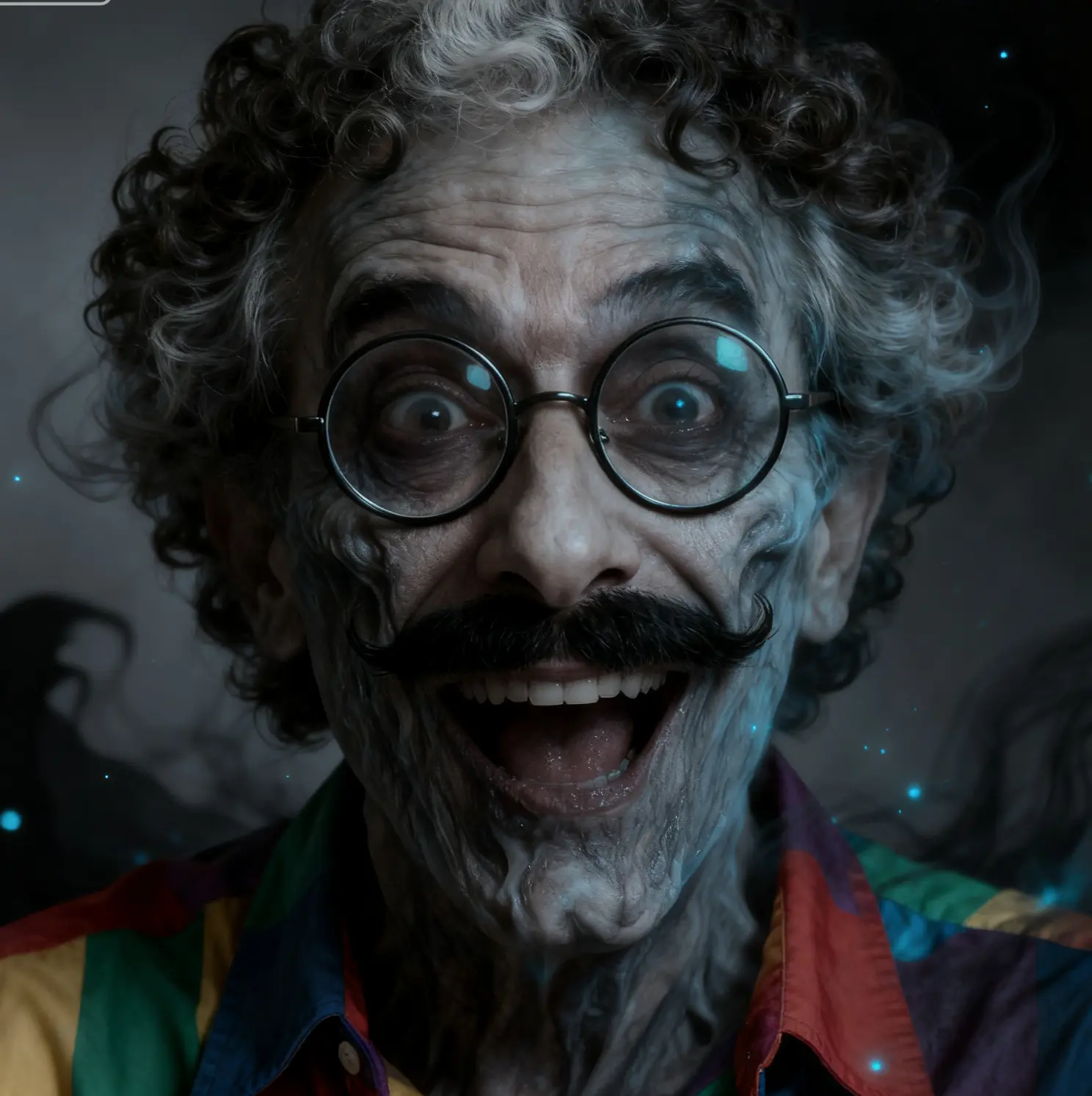
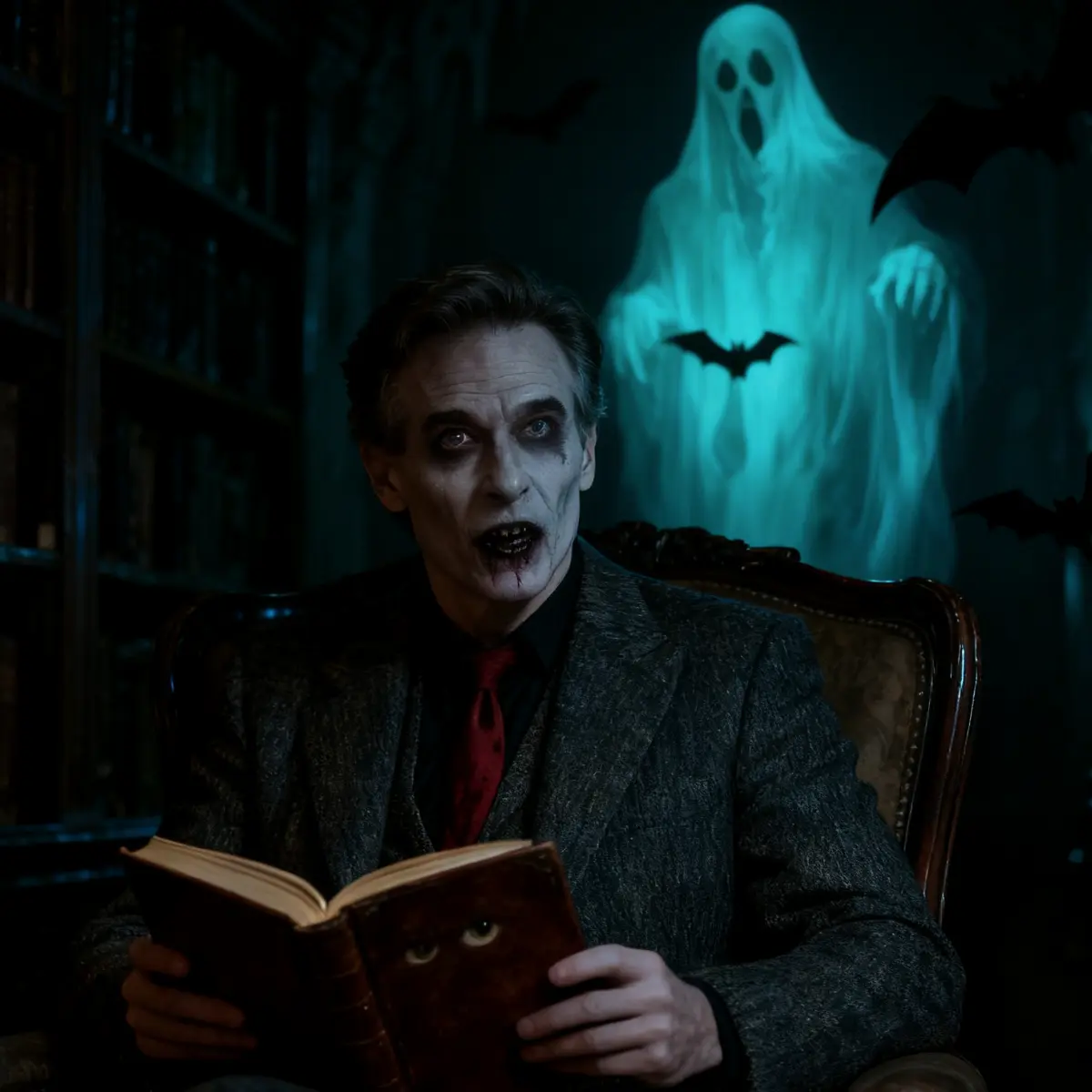
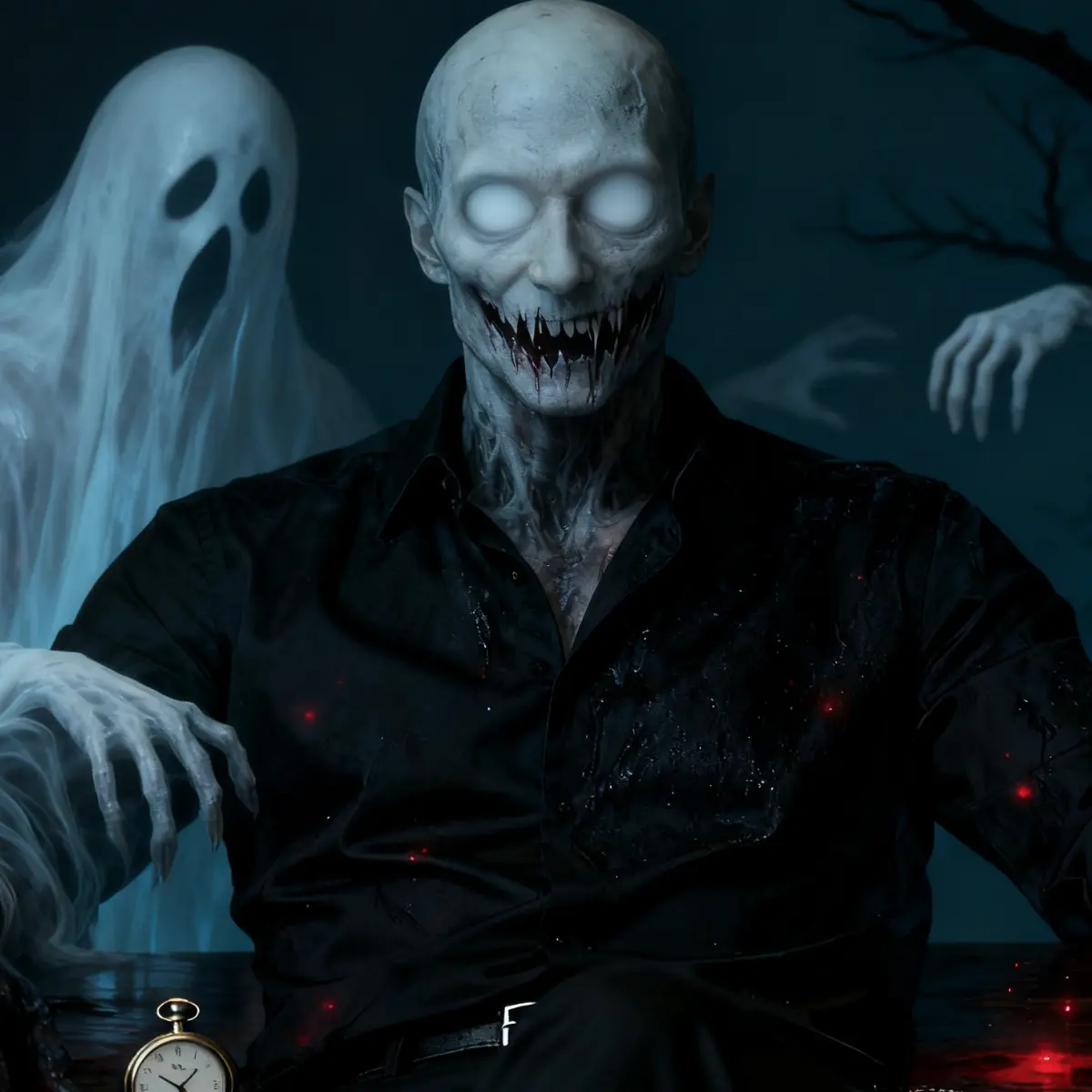


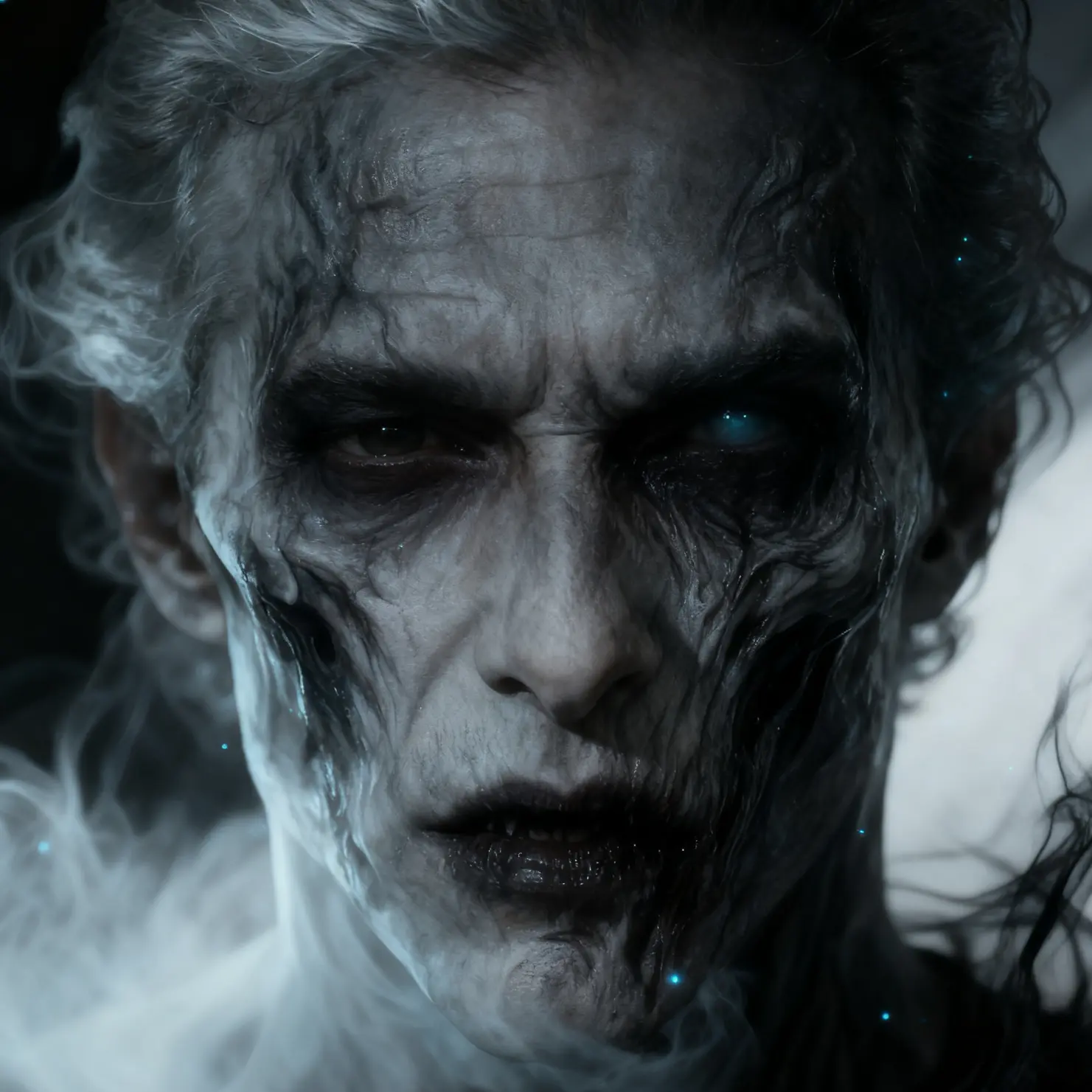
For scary text to speech, type or paste the words you want performed. If you already have a recording, upload it to transform the voice while preserving the spoken message.
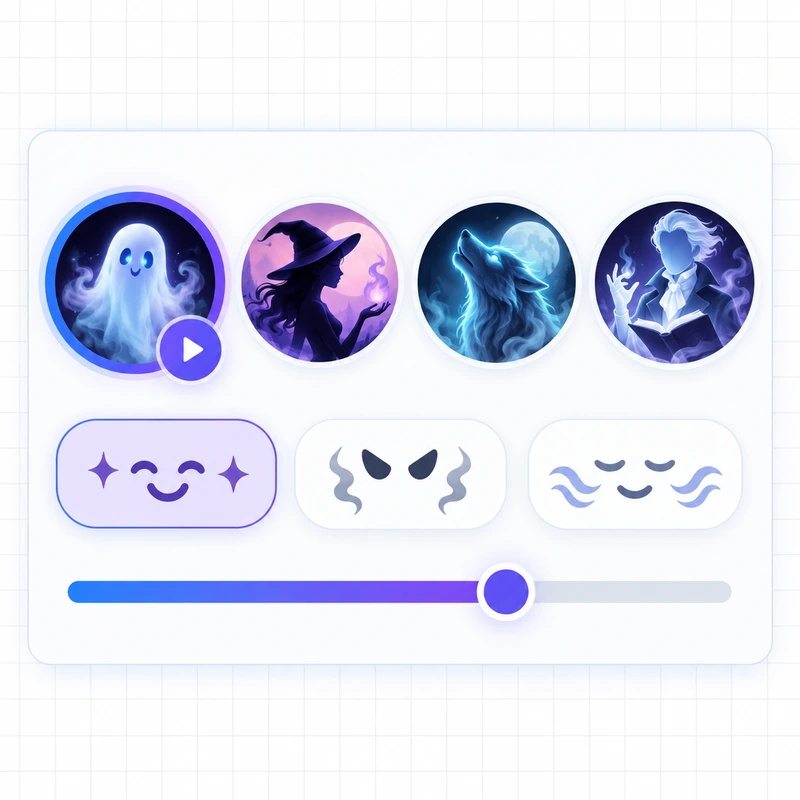
Preview available voices, select the style that fits your scene, and choose an emotion to shape the delivery.
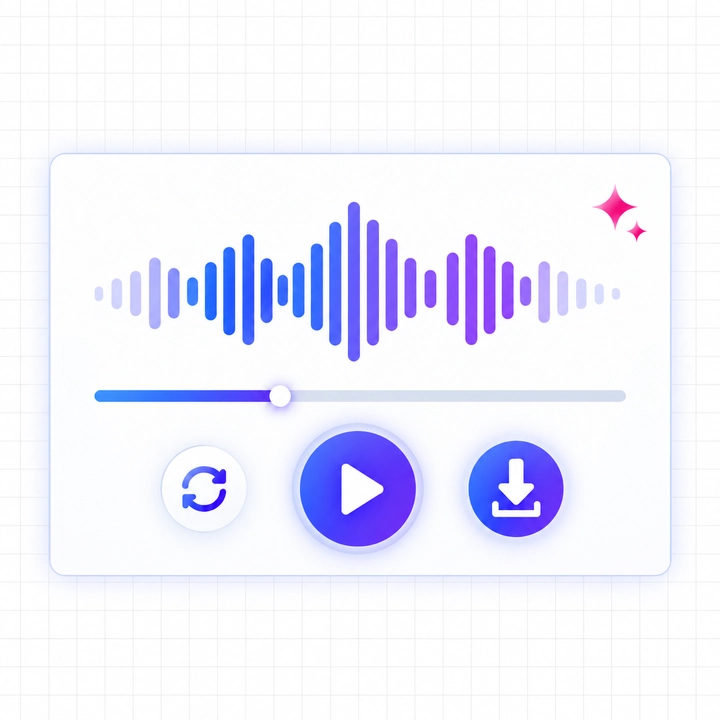
Generate the audio, listen to the result, revise the script if needed, and download the version you want.
Type your script, pick a horror voice, and download the audio in seconds — no sign-up required.
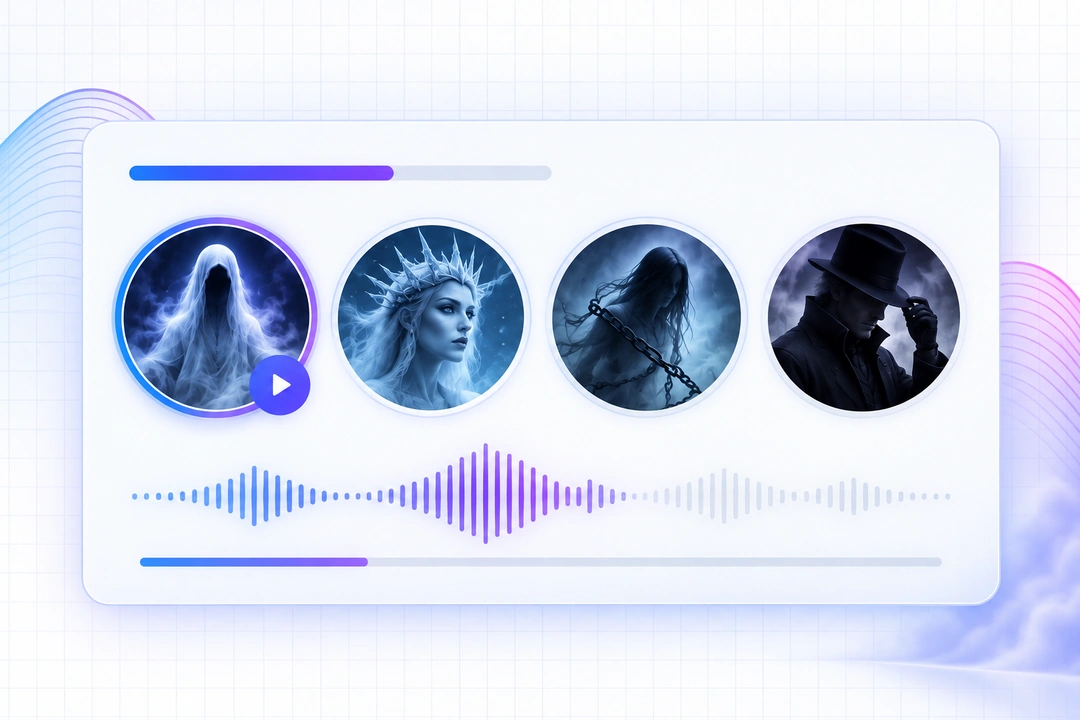
Move beyond a generic narrator. The scary voice generator offers styles suited to eerie whispers, dark narration, strange characters, and threatening creatures, so you can match the atmosphere of your scene.
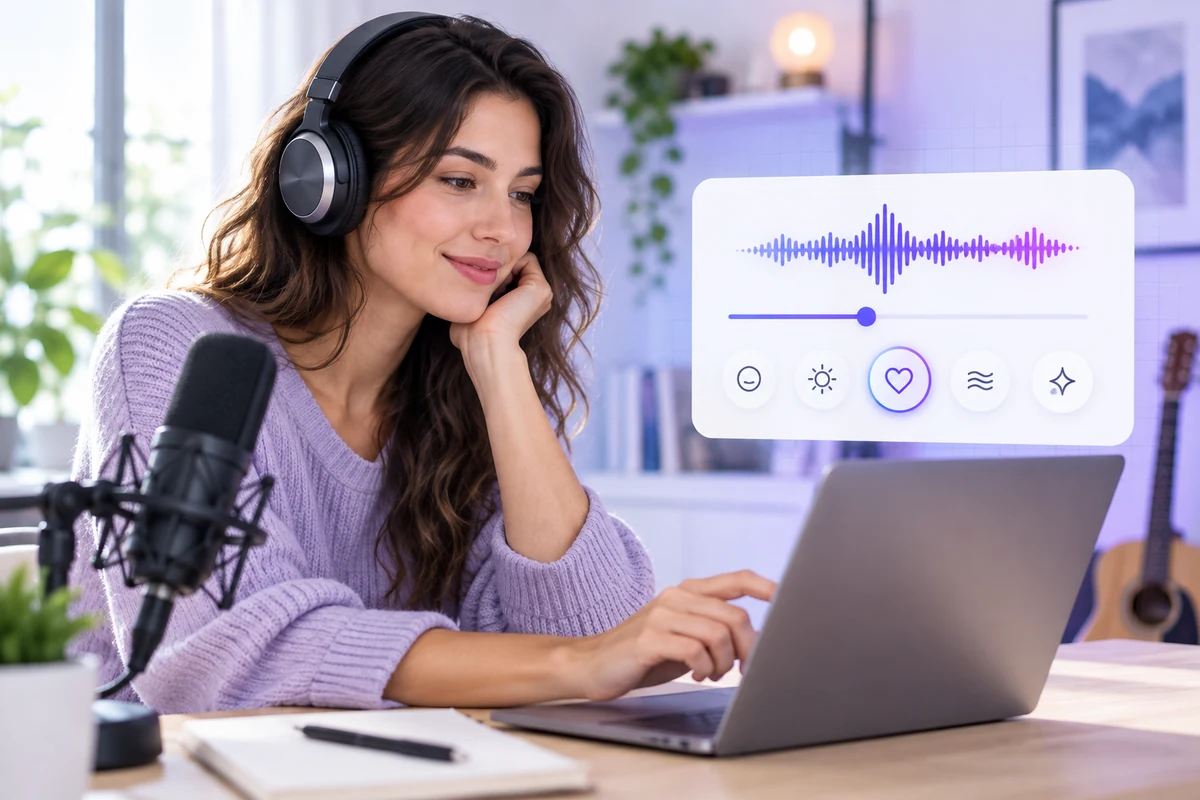
The same words can feel completely different when delivered with fear, anger, sadness, calm, or surprise. Use the emotion selector to direct the performance without rewriting your entire script.
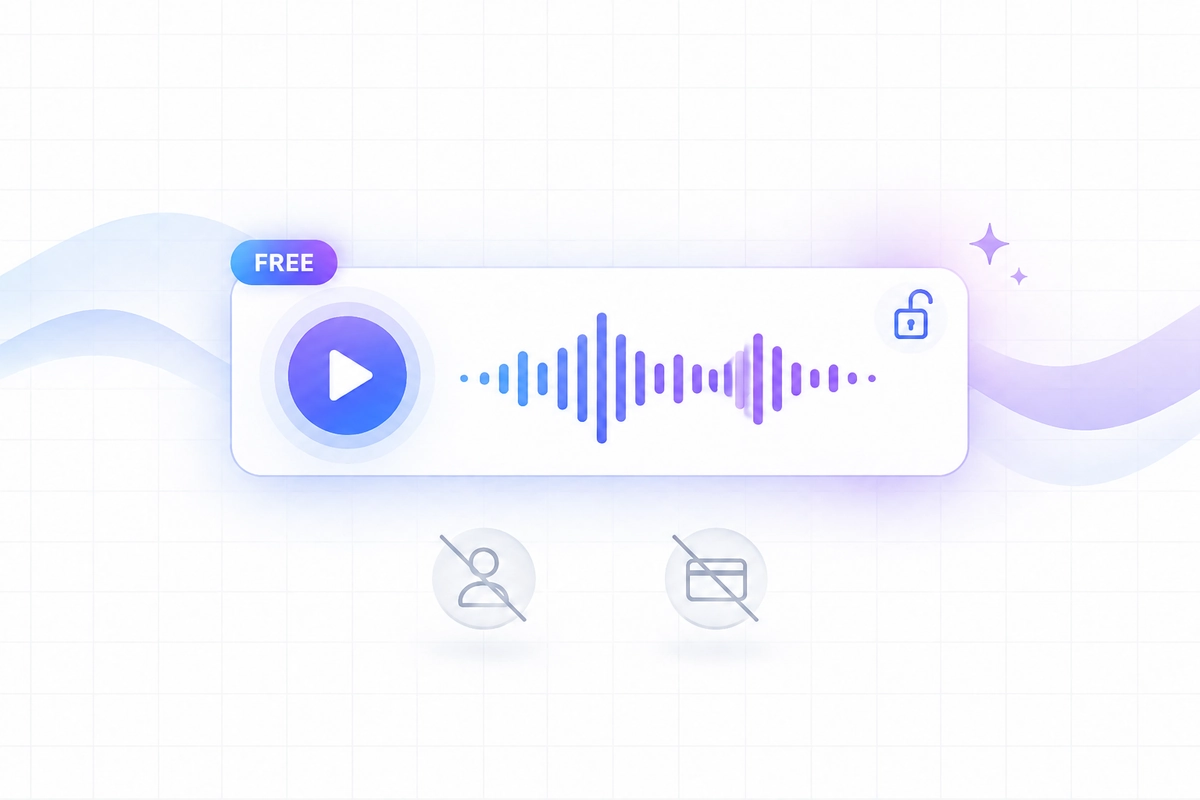
Generate your first scary voice without creating an account or entering payment details. Preview the result immediately, and decide if you want to sign up only when you're ready to save or unlock more.
Use the free scary voice generator for eerie greetings, haunted-house announcements, party intros, costume videos, and seasonal social posts without recording every character yourself.
Prototype dialogue for monsters, villains, ghosts, and supernatural characters before placing the downloaded audio into a game scene or animation timeline.
Create horror text to speech for creepypasta, analog horror, dark fiction, podcast intros, and suspenseful narration. Adjust punctuation and emotion until the pacing supports the mood of your script.
Horror Video Creator
I ran the same line through several voices and found one with heavy breath and perfect pacing. This scary voice generator helped the pause land where my edit needed it.

Indie Game Developer
Before our artwork was locked, I used the scary voice generator to build monster voice demos and show the team our direction, avoiding unnecessary back-and-forth with voice actors during testing.

Horror Podcast Producer
I rewrite scripts down to the wire, and I used to have to loop back in a voice actor every time I changed a line. Now I can adjust the pacing and emotion myself and actually hear if it works before locking anything in.

Halloween Event Organizer
We needed six different room announcements the day of the event, way too tight a turnaround to book a booth and record them one by one. I used this scary voice generator to drop the scripts in the night before and had everything ready by morning.

Freelance Animator
One line of dialogue needed a last-minute tweak — used to mean re-booking the actor for a full re-record. Now I just edit the text and regenerate, and I can A/B the old and new take in a couple minutes.

Short-Form Video Creator
Had a clip already recorded but it wasn't creepy enough, so I ran it through a scary voice changer with a darker style. Didn't have to touch any audio plugins or figure out new editing software.
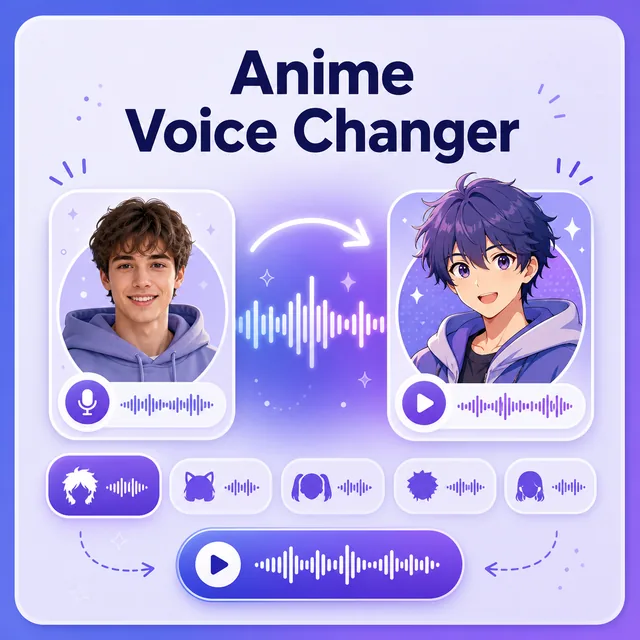
Create expressive anime-inspired character voices for videos, role-play, animations, and original stories.
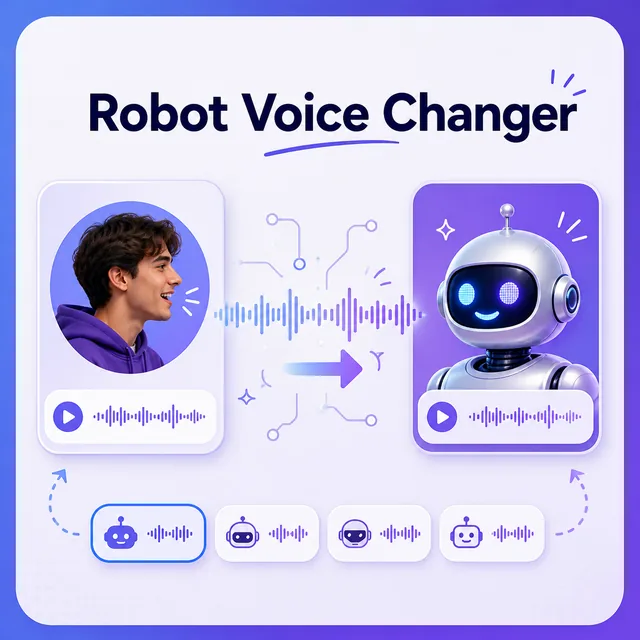
Turn any recording into a futuristic robot voice for games, animations, videos, and creative projects.
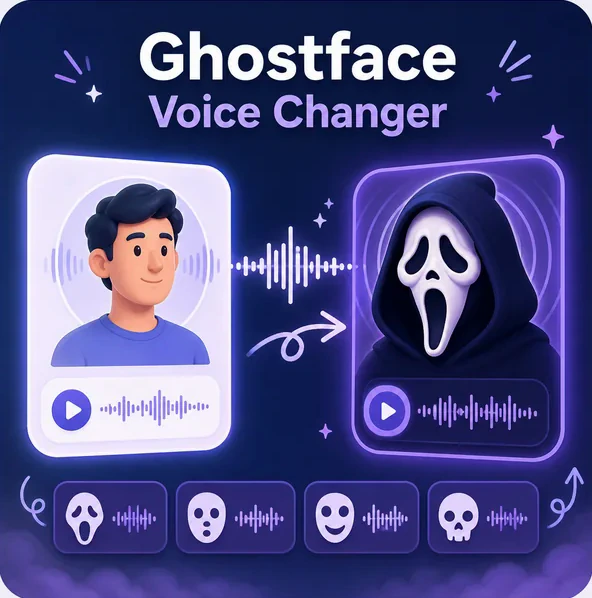
Build a dramatic masked horror-style voice for spooky videos, gaming, pranks, and character content.
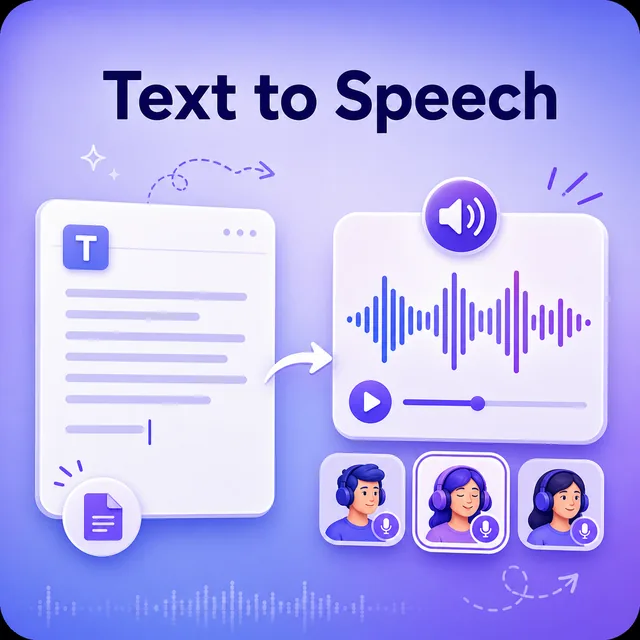
Convert written text into natural speech with a broad library of voices, languages, and speaking styles.
A scary voice generator converts written text or an uploaded voice recording into horror-style speech. You choose the input method, select a voice and emotion, generate the audio, preview it, and download the result.
Yes, our scary voice generator is completely free to use. You don't even need to sign up or log in — just visit the page and start generating voices right away.
Yes. Upload a supported voice recording, select a horror-style voice, and generate a transformed version. The scary voice changer processes the recording after submission; it does not change a live microphone during calls, games, or streams.
All audio generated with our scary voice generator can be downloaded in MP3 format.
Yes, voices generated with our tool can be used for commercial purposes. This means you're free to use them in projects such as videos, podcasts, games, ads, and other content you plan to monetize or publish publicly.
Uploaded audio is processed to generate your converted voice and is not used to train the underlying voice models.
Voice quality depends on the style and emotion you select — whispers and calmer deliveries tend to sound the most natural, while more extreme creature or distorted styles are intentionally stylized rather than lifelike. Preview the audio before downloading so you can judge the result against your specific scene.
Most scripts under the character limit generate in well under a minute. Longer scripts or batches of multiple lines — like the room-by-room announcements in the Halloween Event Organizer example — will take a bit more time, so it's worth generating early rather than right before you need the audio.